Smart Data Transfer
by Appify Digital Labs (0 Reviews) May 08, 2026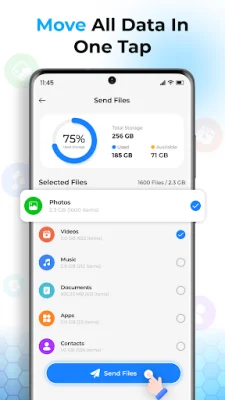
Latest Version
May 08, 2026
Appify Digital Labs
Tools
Android
0
Free
com.smartswitch.datatransfer.phoneclone.copymydata.smarttransfer
Report a Problem
More About Smart Data Transfer
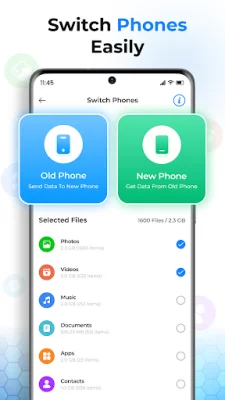
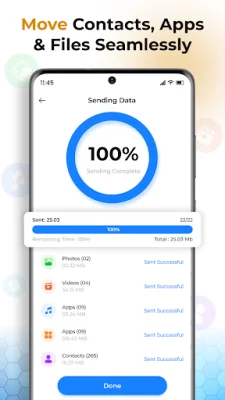
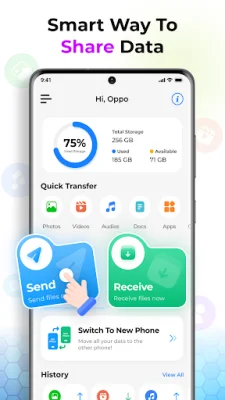
Switch Mobile data transfer app is a convenient and secure solution for transferring all of your data from one Android device to another. With this app, you can easily transfer contacts, photos, videos, audio, and more, making the process of switching phones stress-free. The app offers a user-friendly interface and allows you to transfer data with just a few clicks, eliminating the need to connect to a computer.
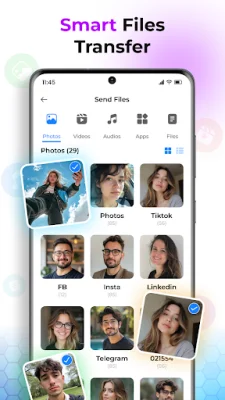
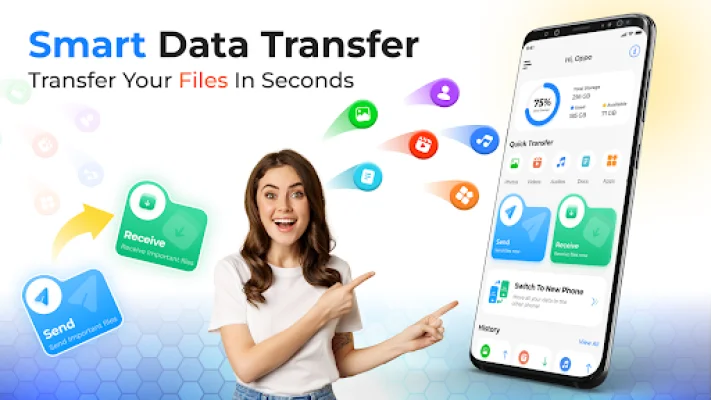
The Smart Data Transfer & Copy My Data app is designed to make transferring data from your phone effortless and secure. It supports all types of file formats and allows you to transfer images, documents, music, and files with ease. You can use this app to transfer data directly between devices, without the hassle of connecting to a computer.
The Smart Mobile Switch & file transfer app is a useful tool for copying data from one device to another. It supports all types of file formats and makes it easy to share content between Android phones. With this app, you can transfer data quickly and securely, without the risk of data loss.
The Copy My Data app allows you to clone your phone's content with just one tap, transferring everything from videos and music to contacts and apps. It also makes it easy to transfer audio and video files between phones. The app is designed for simplicity and security, ensuring that all of your data, including photos, videos, contacts, and apps, is transferred with just one click.
The Smart Mobile Data Transfer app uses Wi-Fi or QR code to transfer data between devices, ensuring a safe and secure transfer without any data loss. It also allows users to create their own QR code for easy connection between devices. The app is designed to make the process of switching data to another phone quick and easy, while also keeping all of your data secure.
To use the Smart Mobile Switch- Copy My Data app, simply install and open it on both devices, turn on Wi-Fi, and connect the devices by scanning the QR code. Then, select the files you want to transfer and share them with just one click. The app also offers features such as full-format compatibility, one-tap phone cloning, and unlimited file size, making it a convenient and efficient tool for data transfer between Android devices.
Rate the App










Popular Apps









