
2FA Authenticator
by Apps Kanteen (0 Reviews) July 13, 2026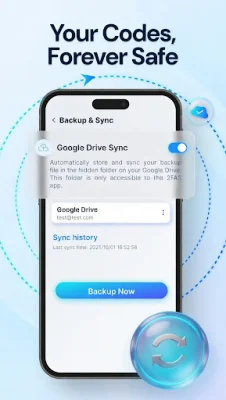
Latest Version
July 13, 2026
Apps Kanteen
Tools
Android
0
$9.99
com.appskanteen.authenticator.auth2fa.passwordmanager
Report a Problem
More About 2FA Authenticator
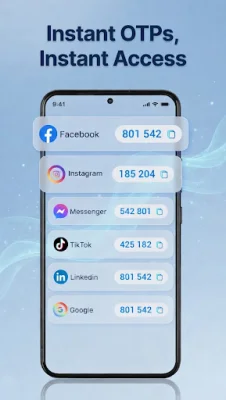
In today's world, data breaches are becoming increasingly common, making it clear that relying on passwords alone is no longer enough to protect our online accounts. This is where 2FA Authenticator comes in, providing a fast and reliable layer of protection by combining a robust TOTP authenticator with a secure password manager. This app allows you to secure your Google, Microsoft, Facebook, and crypto accounts on your Android device with ease.
So, why should you choose 2FA Authenticator? For starters, it offers offline security, meaning you can generate 2FA codes (TOTP) instantly without an internet connection. This ensures that your security keys stay on your device, adding an extra layer of protection. Additionally, the app also serves as a password manager and autofill tool, allowing you to securely store unlimited passwords and notes and use the Android Autofill service to log in to apps and websites with just a single tap.
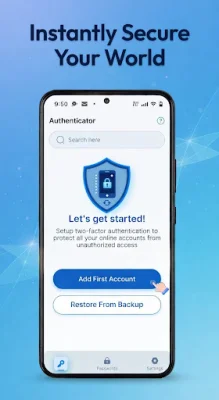
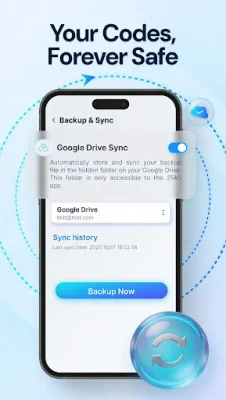
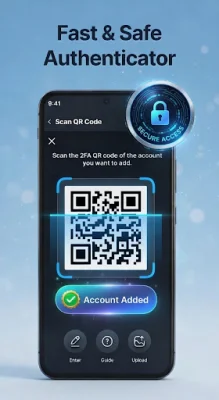
One of the standout features of 2FA Authenticator is its encrypted backups. This means that you will never have to worry about losing access to your accounts, as you can store your encrypted data securely via Google Drive or keep it 100% local, giving you full control over your data. The app also boasts an effortless setup process, allowing you to get started in seconds by scanning QR codes or manually entering secret keys.
For those who are already using other popular authenticator apps, 2FA Authenticator makes it easy to migrate your existing tokens with its import and export feature. This app also offers multi-account support, allowing you to manage various accounts, including Google, Facebook, GitHub, Discord, banking apps, and crypto exchanges, all in one place. Its intuitive design, complete with a clean and searchable interface, Dark Mode support, and customizable icons, makes it easy to use and identify your accounts quickly.
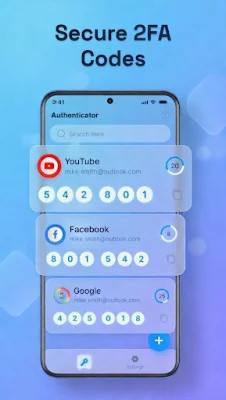
When it comes to security, 2FA Authenticator puts it first. You can unlock the app using your device's biometrics, such as fingerprint or face unlock, or a master PIN. Additionally, your passwords and 2FA seeds are protected using military-grade encryption protocols, giving you peace of mind knowing that your sensitive information is secure. The app works by enabling 2FA on your desired service, scanning the provided QR code, and then generating a fresh 6-digit code every 30 seconds for secure login. With 2FA Authenticator, you can rest assured that your online accounts are well-protected.
Rate the App















Popular Apps









