
Clinometer + bubble level
by plaincode™ (0 Reviews) May 21, 2026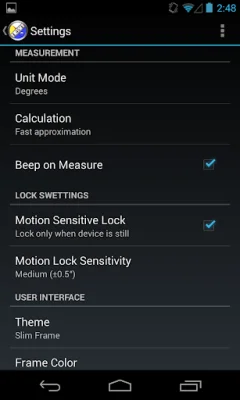
Latest Version
May 21, 2026
plaincode™
Tools
Android
0
Free
com.plaincode.clinometer
Report a Problem
More About Clinometer + bubble level
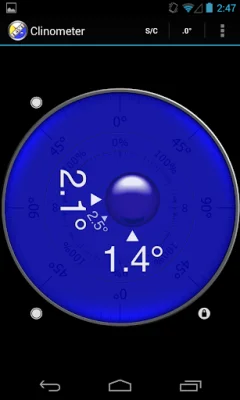
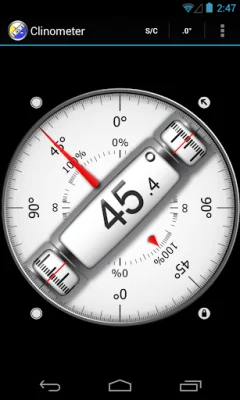
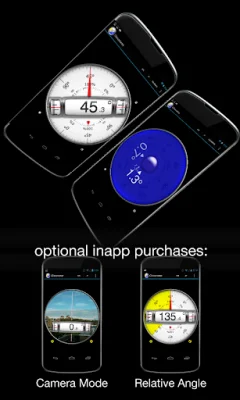
This application is a versatile tool that allows users to measure slopes using their device's edges and camera. It offers three different modes: Clinometer mode, Camera mode, and Bubble level mode. In Clinometer mode, the device automatically switches to measuring when held upright. In Camera mode, the user can manually activate the measurement in any direction. Bubble level mode smoothly fades in when the device is held flat.
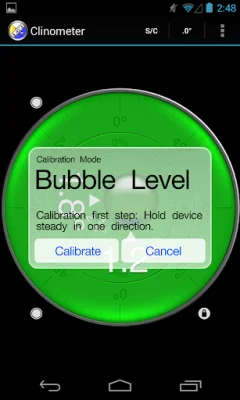
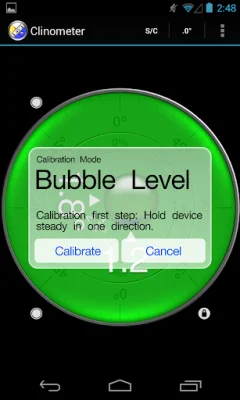
In addition to measuring absolute angles, this tool also allows users to measure relative angles between device positions. It offers advanced two-way calibration on all sides, allowing for precise calibration even on non-level surfaces. Each direction can be calibrated individually for optimal precision.
The device offers five different unit modes for displaying slope measurements: degrees (rounded or in tenths), percentage, rise over run (common for roof slope measurement), and 1V:H (common in engineering). Users can also smoothly rotate the background dial to define which side of the device represents 0° and 90° degrees.
For added convenience, this tool offers a motion-sensitive lock feature that waits for a steady hold for at least 2 seconds before locking in the measurement. Users can also toggle to fullscreen mode to prevent erroneous inputs while measuring. The color scheme can also be adjusted, with options for day and night color schemes.
It is important to note that this application is intended for recreational use only. While it can be very accurate, especially after calibration, the measurement is performed using the device's three inbuilt accelerometers. The developers are constantly working to improve the application and welcome user support and feedback.
Thank you for considering this application and supporting its development. The developers are committed to long-term improvements and strive to be original and SEO-oriented in their approach.
Rate the App













Popular Apps









