Giga Text: Stickers & GIFs too
4.2.0 by Chimbori (0 Reviews) May 21, 2026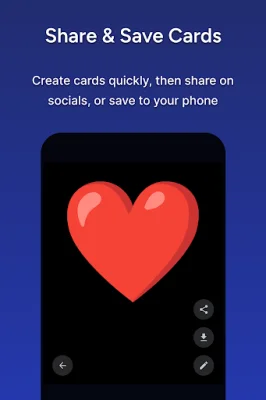
Latest Version
4.2.0
May 21, 2026
Chimbori
Tools
Android
0
Free
com.chimbori.gigatext
Report a Problem
More About Giga Text: Stickers & GIFs too
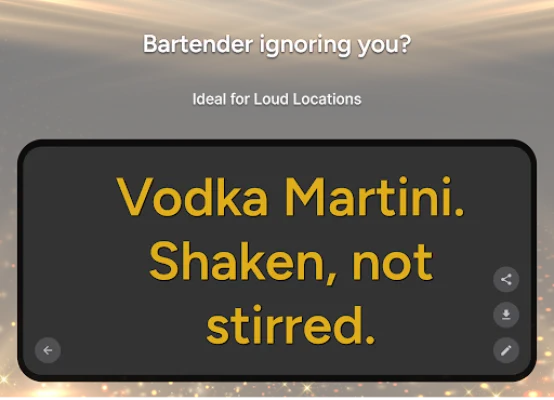
If you find yourself in a situation where you are unable to talk but can still see each other, the Giga Text app is the perfect solution for exchanging messages silently. This app offers a variety of features that allow you to communicate in a rich and expressive way, including the ability to share images, GIFs, and emojis. With Giga Text, there are endless possibilities for using this app in different scenarios.
One of the main features of Giga Text is the ability to share images. You can choose from your photo library, share images from other apps, or even paste stickers from your keyboard. This allows you to add a visual element to your messages and make them more personal and engaging.
The app also offers a wide range of GIFs and animations that you can use to say hello or express yourself. These stickers and memes play smoothly within your cards, making your messages even more fun and dynamic. Additionally, Giga Text has an Emoji Kitchen feature that allows you to remix emojis and create unique combinations using Google's keyboard, GBoard.
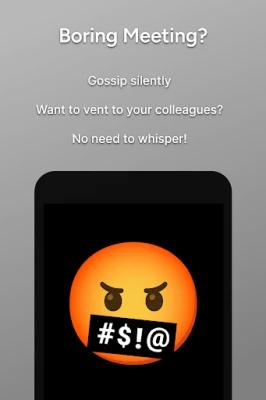
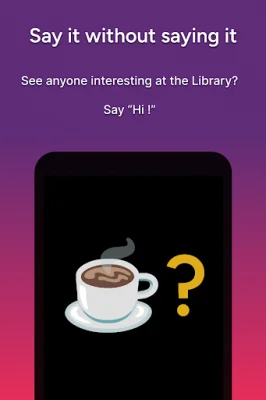
Giga Text can be used in a variety of situations, making it a versatile and useful app. For example, if you see someone interesting at the library, you can use the app to say hello without making any noise. Or, if you're in a boring conference call and want to vent to your colleagues, you can do so without having to whisper. The app is also helpful for situations where you need to communicate without speaking, such as social distancing or when someone close to you is experiencing hearing loss.
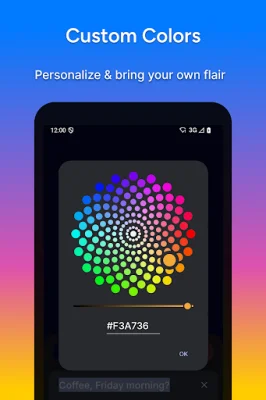
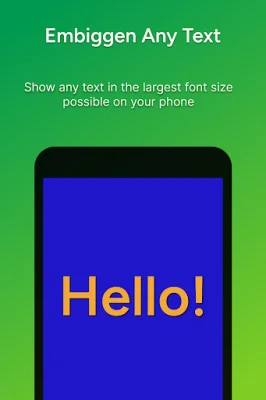
One of the standout features of Giga Text is the ability to customize your text and background colors. This feature is available as a premium option, along with other features like multi-line text and brightness/orientation settings. The app also has a modern card-based design that makes your text and images stand out, and it is optimized for both portrait and landscape orientations on various devices.
Giga Text also prioritizes privacy, with no advertisements, personal data collection, or behavior tracking. The app offers an incognito mode to keep your cards private, and you can save and share your creations directly to other social apps or your phone's photo gallery. And if you need help or encounter any issues, the app has a dedicated support team that you can contact directly through the app.
In summary, Giga Text is a versatile and privacy-friendly app that allows you to communicate silently through a variety of features such as images, GIFs, and emojis. With its customizable options and modern design, this app is perfect for power users who value privacy and want to communicate in a unique and expressive way.
Rate the App







Popular Apps









