

ID Photo: Passport Photo Maker
1.6.0 by Easyelife (0 Reviews) July 12, 2026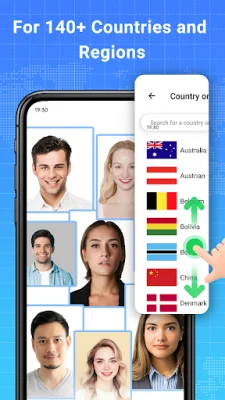
Latest Version
1.6.0
July 12, 2026
Easyelife
Tools
Android
0
Free
photo.id.maker.photo.editor
Report a Problem
More About ID Photo: Passport Photo Maker
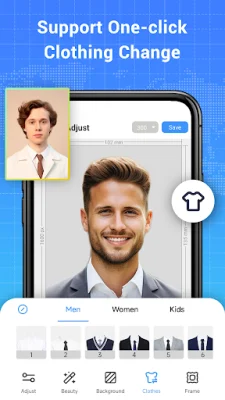
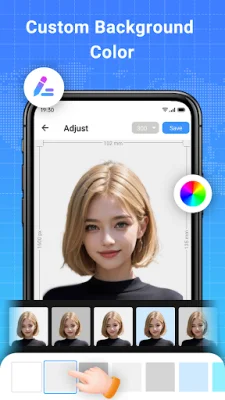
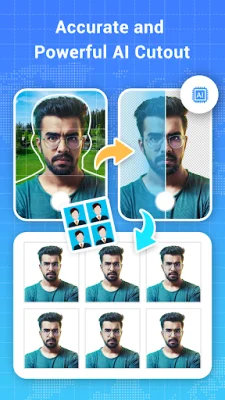
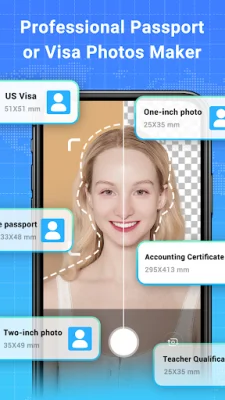
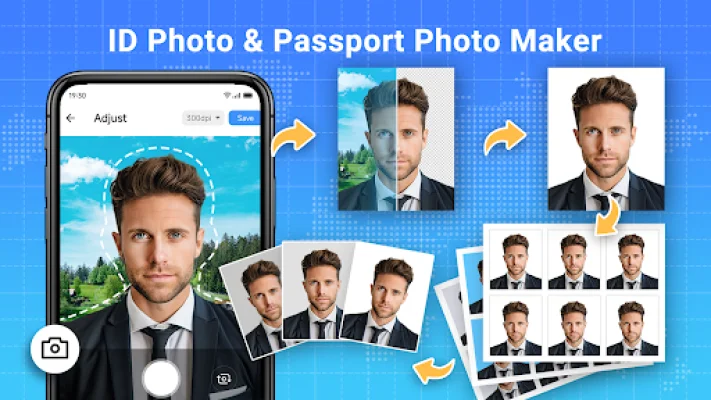
The ID Photo & Passport Maker app is a convenient and user-friendly tool for creating official photos for various documents such as ID cards, passports, visas, and licenses. It offers a one-stop service for editing and generating ID photos, using AI intelligent analysis to quickly and easily cut, edit, and produce perfect photos. With this app, you can create photos that meet the requirements of different countries, including the USA, Spain, Germany, France, India, Italy, Korea, and Brazil, without any watermarks. 👍 One of the standout features of this app is its accurate and powerful AI cutout function. This allows you to easily remove the background from your photos, resulting in professional-looking ID photos without any distracting elements. You no longer have to worry about messy backgrounds ruining your photos. 💥 In addition to background removal, the app also offers the option to change the background color of your photos. With a variety of editing tools, you can choose a background tone that suits your preferences and makes your ID photos stand out. The app also allows for custom sizes and resolutions, so you can create photos that meet your specific needs. 🏅 The app also boasts powerful image editing capabilities, including the ability to mirror, rotate, adjust, crop, and enhance your photos. You can also adjust the brightness, contrast, hue, saturation, and exposure, as well as use the skin beautification function to make your photos look even better. 🤳 For those who need to print their ID photos, the app offers print templates that meet the requirements of regular ID photo printing. You can save your edited photos to your device and easily print them using a connected printer. This makes the entire process of creating and printing ID photos quick and hassle-free. 💯 Whether you choose to use photos from your album or take new ones with your phone, the ID Photo & Passport Maker app will automatically handle everything for you. In just a few seconds, you can have high-quality, professional-looking ID photos that are compliant with the standards of various countries. This app is dedicated to providing the best ID photo editing experience, saving you time and money. So why not give it a try and see the results for yourself? 💖
Rate the App















Popular Apps









