
My Photo Keyboard
by Tool Utility devloper (0 Reviews) May 07, 2026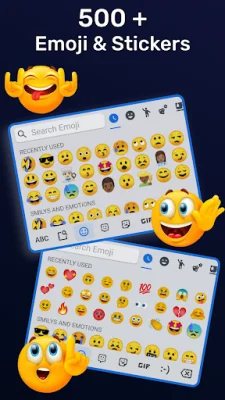
Latest Version
May 07, 2026
Tool Utility devloper
Tools
Android
0
Free
rok.tooluti.myphotokeyboard.customkeyboard.fancykeyboard.changekeyboard
Report a Problem
More About My Photo Keyboard
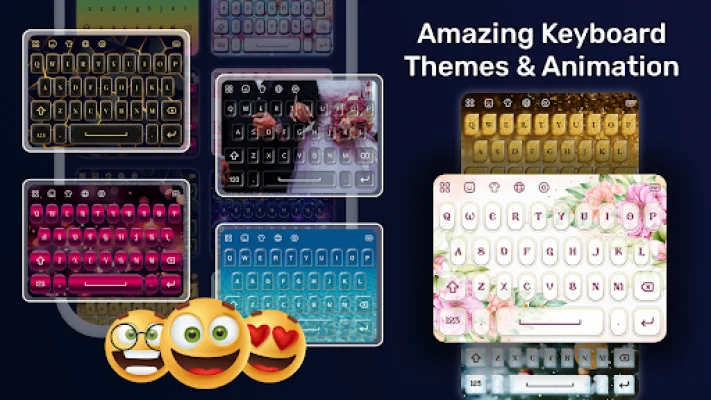
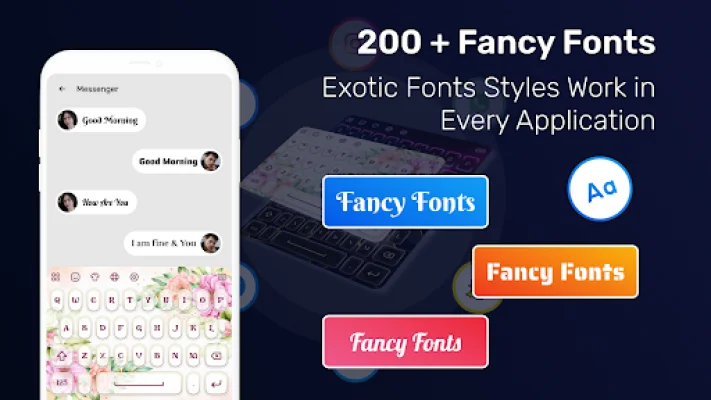
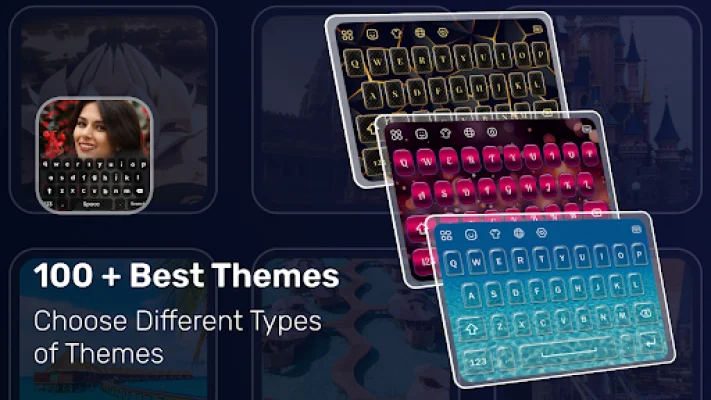
My Photo Keyboard is an application that allows you to customize your device's keyboard with various features. With this app, you can make your keyboard look more attractive by adding animations and changing the font style. It is a convenient way to personalize your keyboard and make it stand out from others.
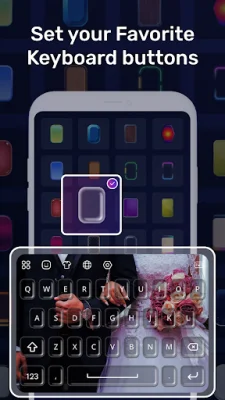
One of the main features of My Photo Keyboard is the ability to easily customize your keyboard with just one touch. You can exchange the keyboard and see a preview of how it will look before applying the changes. This makes it easy to experiment with different options and find the perfect keyboard for your device.
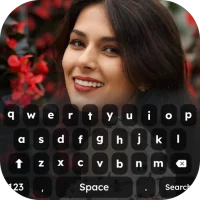
In addition to animations, you can also add your own gallery images as the background of your keyboard. This allows you to truly make your keyboard unique and reflect your personal style. You can also choose from a variety of fonts to change the overall look of your keyboard.
Another useful feature of My Photo Keyboard is the option to change the keyboard language to your native language. This makes it easier for you to type in your preferred language and enhances your typing experience. You can also adjust the display key size in both landscape and portrait mode for added convenience.
My Photo Keyboard also offers general settings such as auto-capitalization, pop-up on the keyboard, vibrate on keypress, and suggestion on keypress. These settings allow you to further customize your keyboard and make it more user-friendly. Additionally, you can enable keypress sounds to add a fun element to your typing experience. With all these features, My Photo Keyboard is a great way to enhance your mobile screen and make typing more enjoyable.
Rate the App














Popular Apps









