
Photo To Contact - Set Photo
by Kraph Tech (0 Reviews) May 24, 2026
Latest Version
May 24, 2026
Kraph Tech
Tools
Android
0
Free
com.kraph.setcontactphoto
Report a Problem
More About Photo To Contact - Set Photo
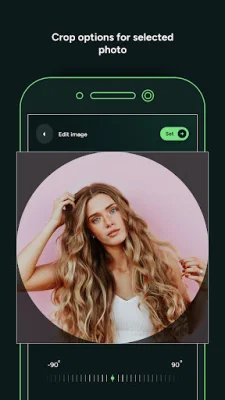
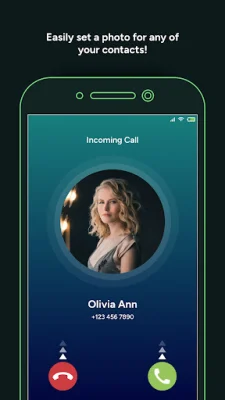
This application allows users to personalize their contacts by setting unique and memorable photos for each one. Users can choose photos from their device's camera or gallery to assign as contact photos. This feature allows for a more personalized and visually appealing contact list.
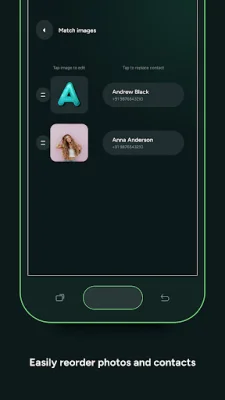
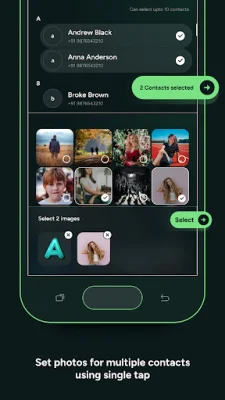
Another key feature of this application is the ability to select and set photos for multiple contacts at once. This saves time and allows for easy updating of contact photos for groups of people, such as family, friends, or colleagues. This feature is especially useful for those who have a large number of contacts and want to update their photos quickly and efficiently.
The app also offers settings that allow for automatic contact synchronization. This means that any new contact photos will be automatically updated across all apps and services. This ensures consistent visuals of contacts across different platforms, making it easier to recognize and remember contacts.
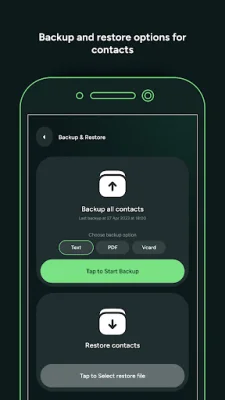
In addition, the app offers a backup and restore feature for contact photos. This allows users to create backups of their contact photos for safekeeping. In the event of switching devices or reinstalling the app, users can easily restore their contact photos without having to manually set them again.
Permissions required for this app include contact permission and storage permission. Contact permission is necessary to show contact details to users and allow them to set contact photos. Storage permission is required to retrieve photos from the device storage and set them as contact photos. These permissions are necessary for the app to function properly and provide users with a seamless experience.
Rate the App















Popular Apps









