
Screen Mirror Hisense TV Cast
1.4 by Appsly (0 Reviews) July 13, 2026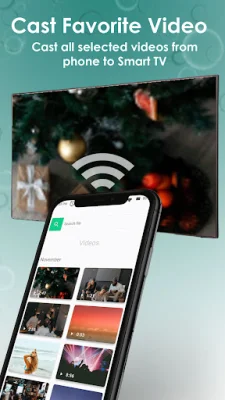
Latest Version
1.4
July 13, 2026
Appsly
Tools
Android
0
Free
com.screen.mirroring.hisense
Report a Problem
More About Screen Mirror Hisense TV Cast
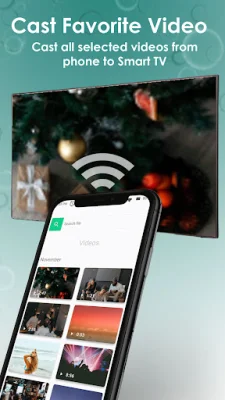
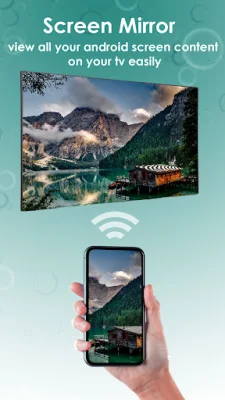
Ready for the World Cup 2026? Get ready for the ultimate viewing experience with Screen Mirroring for Hisense TV! This app allows you to easily connect your phone to your Hisense Smart TV without any cables or setup hassle. With just one tap, you can cast videos, photos, music, and even your entire screen directly to your TV over Wi-Fi. And with the latest update, you can enjoy improved connection stability, reduced pairing time, and a fix for display resolution issues on Hisense Roku TV models. Don't wait until the knockout rounds begin, update now and be ready for the World Cup!
One of the best features of Screen Mirroring for Hisense TV is its seamless compatibility with Hisense TVs. It fully supports Anyview Cast and Anyview, making it the perfect app for your Hisense TV. And if you have a Miracast-ready device, you can connect without any extra hardware or accounts. This app truly makes it easy to share your favorite shows, holiday photos, or even present slides at work.
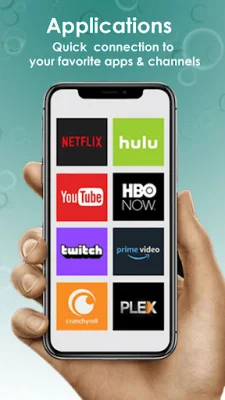
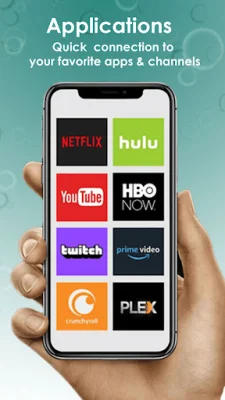
But the compatibility doesn't stop there. Screen Mirroring for Hisense TV also works with a wide range of other Smart TVs, including Samsung, LG, Sony, TCL, Vizio, Xiaomi, and Panasonic. It even supports popular streaming sticks like Roku, Chromecast, and Amazon Fire Stick, as well as gaming consoles like Xbox, Xbox One, and Xbox 360. And for Apple users, you can also use AirPlay to connect to your Apple TV.
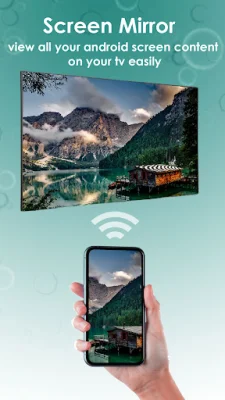
So how does it work? It's simple! Just make sure your phone and Hisense TV are connected to the same Wi-Fi network, open the app, and tap on your TV from the list. Your screen will instantly appear on the big screen, allowing you to enjoy all your favorite content on a larger display. Whether it's for home entertainment, gaming, video calls, presentations, or sharing content with friends and family, Screen Mirroring for Hisense TV has got you covered.
Don't miss out on the big screen experience any longer. Download Screen Mirroring for Hisense TV today and elevate your viewing experience to the next level. With its easy one-tap connect, wide range of compatibility, and seamless screen mirroring, this app is a must-have for any Hisense TV owner. So why wait? Download now and get ready for the World Cup 2026!
Rate the App














Popular Apps









