

수협 파트너뱅크 개인
1.6.8 by 수협은행 스마트폰뱅킹 (0 Reviews) August 06, 2024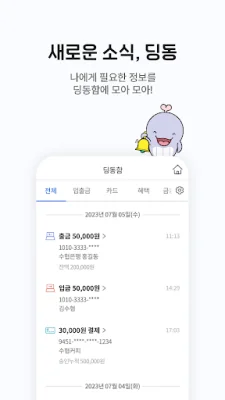
Latest Version
1.6.8
August 06, 2024
수협은행 스마트폰뱅킹
Finance
Android
0
Free
com.suhyup.psmb
Report a Problem
More About 수협 파트너뱅크 개인
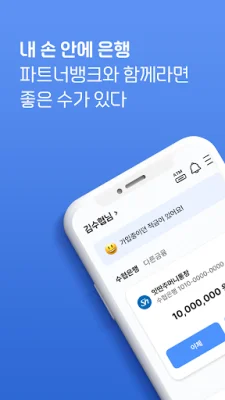
This application offers a variety of financial products and services to its users. These include loans for employed individuals, premium loans for employees, condolence services, credit card point cashback services, and more. Users can also make reservations for loans before visiting a branch, and customers of the Suhyup Bank can easily use the currency exchange reservation service.
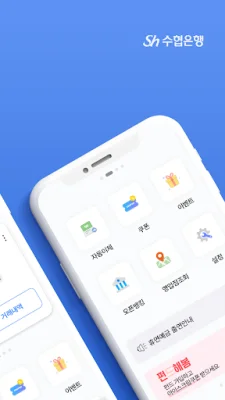
To enhance accessibility and convenience for customers, the app provides specialized menus and a widget service that allows users to quickly and easily navigate to their desired menu from their smartphone's home screen. They can also move to any screen they want from the full menu or my menu options.
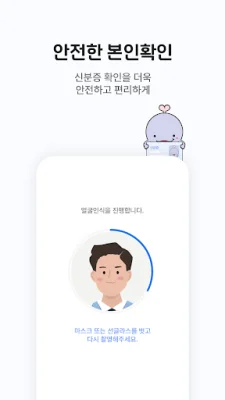
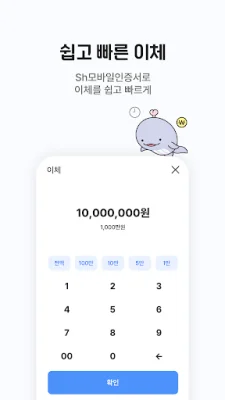
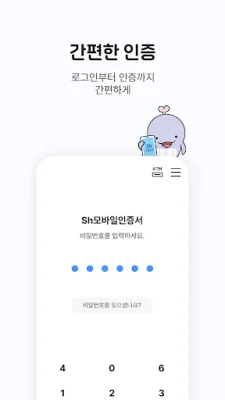
The app allows for easy financial transactions using only a smartphone. Users can use fingerprint authentication using their registered biometric information, send money through text messages, and withdraw cash from ATMs using the Sh Mobile Cash Card.
The Sh Dingdong feature has been improved to provide customers with notifications for deposits and withdrawals, as well as recommendations for products that they can immediately sign up for. They can also check their transaction history in real-time.
The app also offers non-face-to-face services, allowing customers to open accounts without visiting a branch through real-name verification. The app also provides security services such as the option to turn on and off safe blocking, and the ability to set a security image to distinguish between the Suhyup Bank site and phishing sites.
When calling the customer center, customers will be shown information or promotional content from the Suhyup Bank. To do this, the app provides the phone number and app push information to the partner company, Callgate Co., Ltd. (To refuse or withdraw consent: 080-135-1136)
Please note that the Suhyup Bank will never ask for financial information such as security cards, OTP, or smart security cards for security purposes or app updates. (Please be aware of malicious apps posing as the Suhyup partner bank by using features such as phishing prevention and security settings.)
The app also requires certain access permissions, which are divided into essential and optional permissions. Users can still use the app even if they do not agree to the optional permissions.
Essential permissions include access to storage for storing certificates and checking for OS tampering, access to phone numbers for additional authentication, mobile phone verification, and device designation services, access to phone status for internet connection environment guidance and fraud prevention, access to SMS for additional authentication and mobile phone verification during financial transactions, and access to contacts for sending SMS notifications of transactions using device contacts.
Optional permissions include access to the camera for QR code authentication, access to location for finding nearby branches, and more. For users with Android OS 6.0 or below, all permissions are considered essential and must be granted. Users must upgrade their operating system to 6.0 or above and reinstall the app to properly set access permissions. If using an existing app, users must delete and reinstall the app to set access permissions.
Rate the App















Popular Apps









