

교과100 중등
1.2.4 by 교원 (0 Reviews) September 28, 2024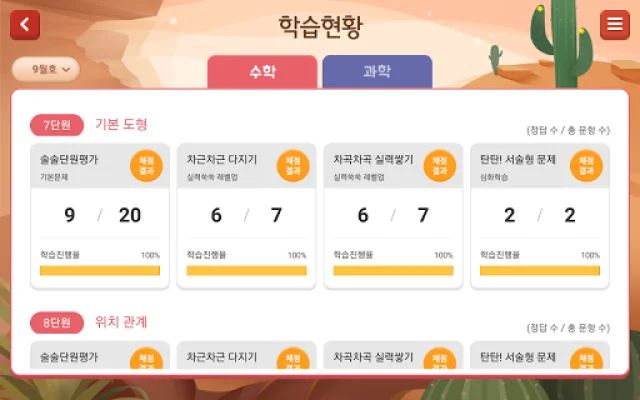
Latest Version
1.2.4
September 28, 2024
교원
Education
Android
0
Free
kr.co.kumon.challenge100middle
Report a Problem
More About 교과100 중등
This application is designed for middle school students to study math and science on their tablet PC. It allows students to study each unit and level up their skills. The app provides concept lectures and problem-solving videos for students to watch.
The first step to using this app is to log in as a teacher and create a student profile by entering their grade and nickname. Once a student profile is created, the grade cannot be changed. If a student wants to change their grade, they can create an additional student profile.
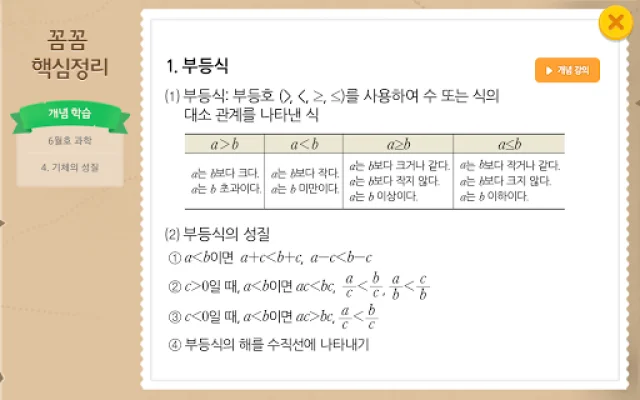
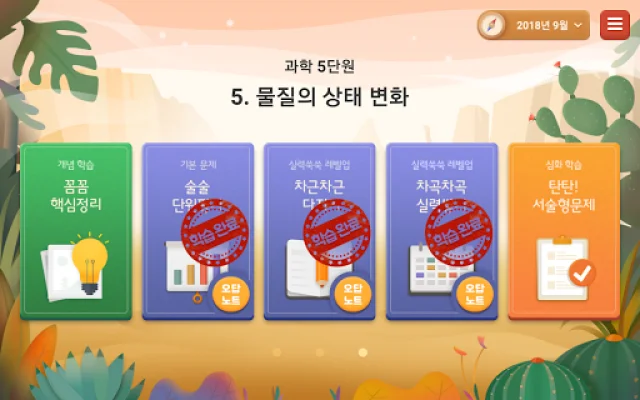
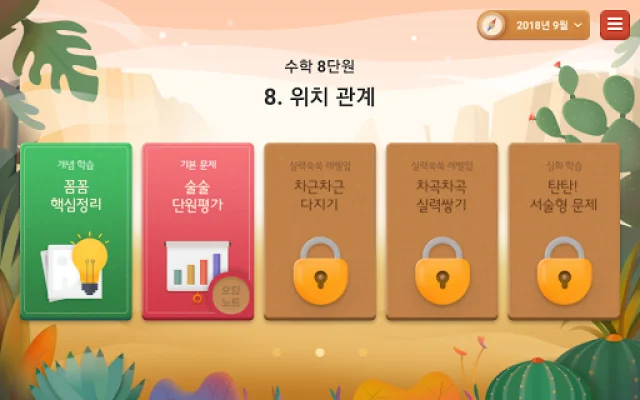
Students can use the "Detailed Summary Card" to study concepts. If they have trouble understanding a concept, they can click on the "Concept Lecture" button on the right to watch a video lecture.
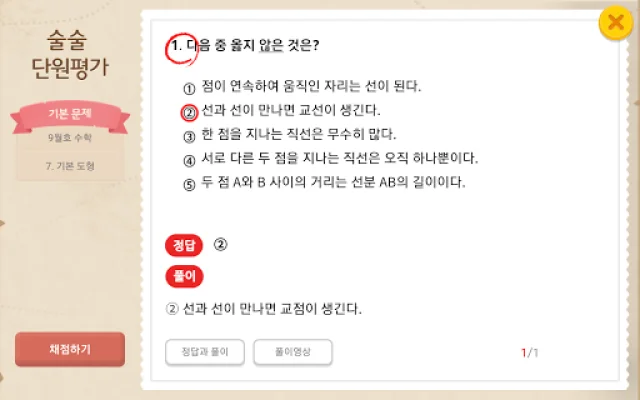
After studying the concepts, students can use the "Smooth Unit Evaluation Card" to solve basic problems for each unit. They can check their answers and watch solution videos for each problem.
Based on their performance on the "Smooth Unit Evaluation," students can access personalized problem sets to further improve their skills. There are two levels of personalized problem sets: "Step by Step Review" and "Gradual Skill Building." If a student has not completed all the "Smooth Unit Evaluations," they will not have access to the "Gradual Skill Building" level. If they have completed all the "Smooth Unit Evaluations" but still cannot access the "Gradual Skill Building" level, they should complete the "Step by Step Review" level first.
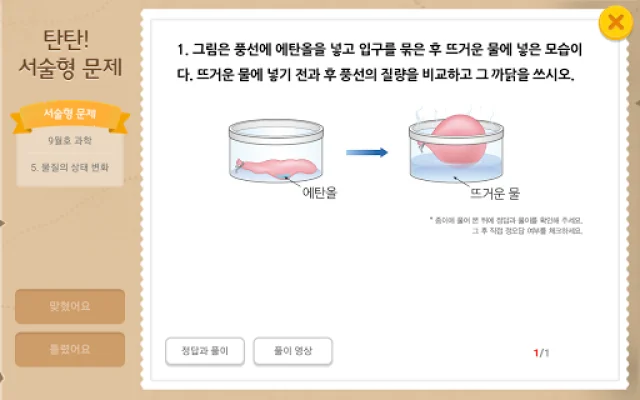
Students can also practice writing answers to open-ended questions and self-evaluate their responses. They can write their answers on paper and then check them against the correct answers or watch solution videos.
The app also has a feature called "Wrong Answer Notes" where students can review and re-solve problems they got wrong to improve their understanding. Students can also check their progress and skill level in the "Learning Status" section.
There are a few things to keep in mind when using this app. First, every February, students' grades will automatically be updated. For example, a first-year student will become a second-year student in February of the following year. Second, new learning content will be added every month. If a month is inactive, students should wait until the next month for new content. Third, the app provides learning content from March to June and September to December. There is no content available during summer and winter breaks. Lastly, the app is optimized for Samsung Galaxy Tab 4 10.1-inch tablets, but it can also be used on other tablets with slightly lower usability.
Rate the App













Popular Apps









