
5G 4G FORCE LTE MODE
1.5.0 by RK AppZia (0 Reviews) November 03, 2025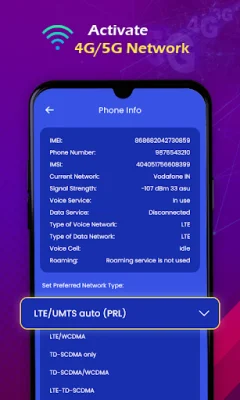


Latest Version
1.5.0
November 03, 2025
RK AppZia
Tools
Android
0
Free
com.appzia.ltemode.netspeedtest
Report a Problem
More About 5G 4G FORCE LTE MODE
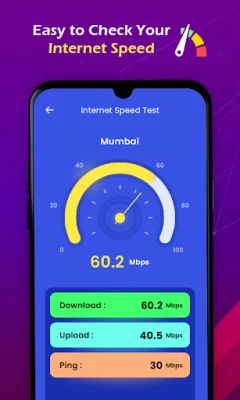
This app allows you to make changes to your mobile network settings that are not typically displayed in your device's settings. It offers features such as switching between 5G/4G LTE/3G networks with just one tap, advanced network information, enabling VoLTE on supported devices, checking internet speed, and displaying signal strength. The app also continuously displays download and upload speeds on the home screen.
In order to use the app, you must open the 5G 4G Force LTE Setting and select "Open Settings" to switch modes. From there, you can scroll down and find the option to set your preferred network type. You can choose between LTE Only for 4G or LTE/UMTS auto (PRL).
It's important to note that this app may not work on all devices, as some devices restrict the ability to force switch network modes. It's also recommended to use original and SEO-oriented content when using the app.
Rate the App













Popular Apps









