
Absolute RC Simulator
3.62\"},{\"releaseDate\":\"2025-10-01 by Learn to fly RC without fear! (0 Reviews) October 30, 2025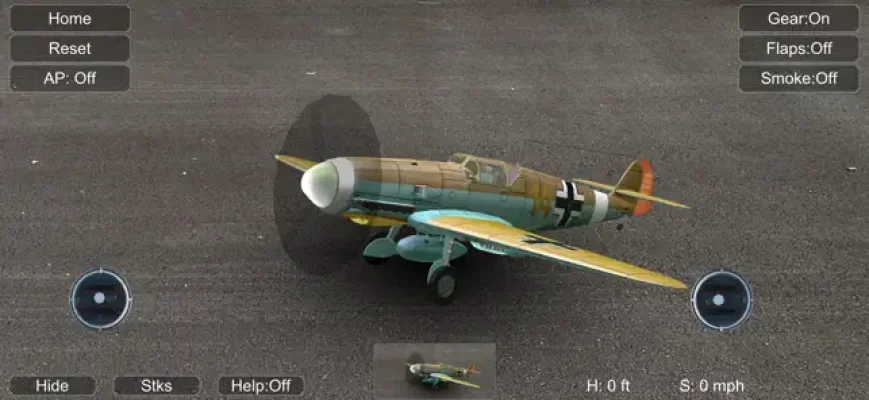
Latest Version
3.62\"},{\"releaseDate\":\"2025-10-01
October 30, 2025
Learn to fly RC without fear!
Games
iOS
155.6 MB
0
Free
Report a Problem
More About Absolute RC Simulator
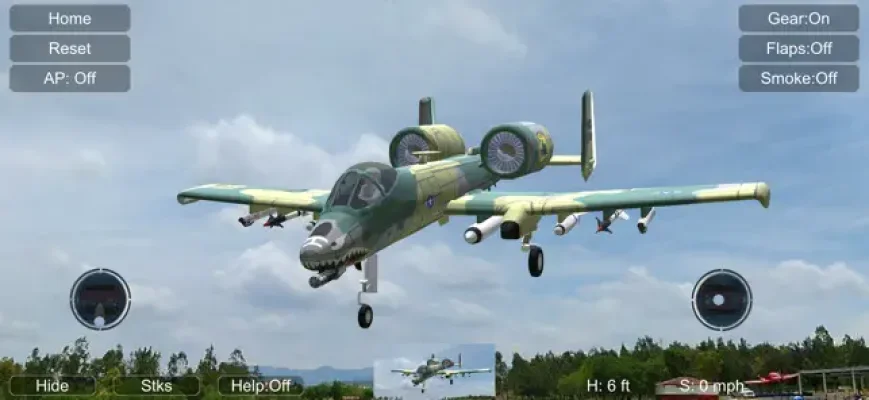
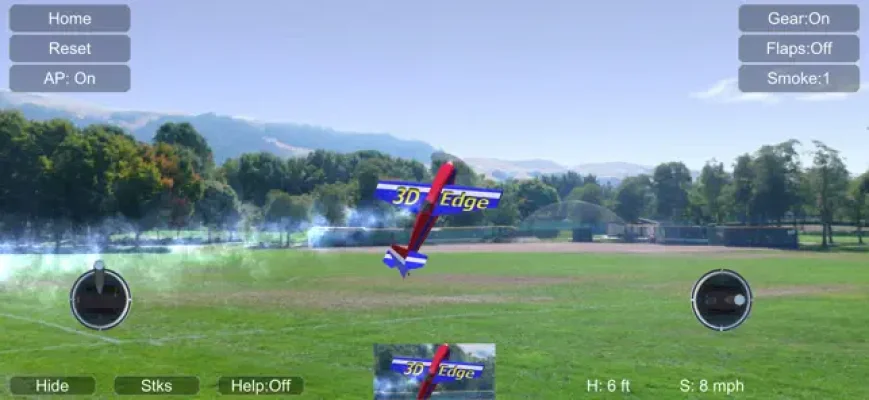
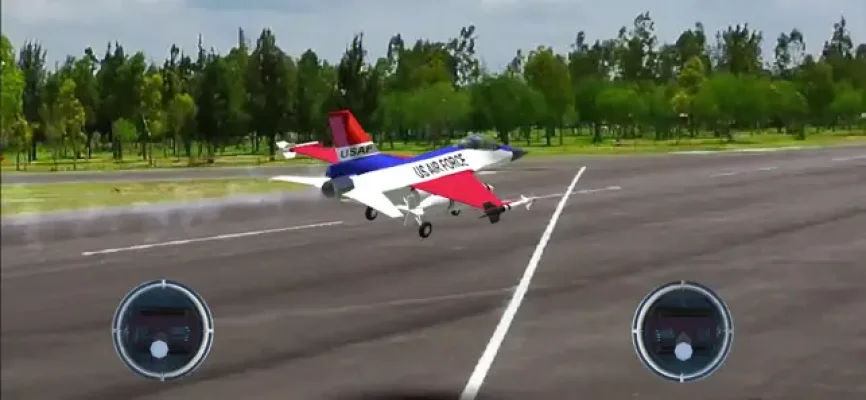
Learn to fly without fear with this RC simulator! No matter the weather outside, you can start flying right now. This program offers a wide range of RC planes and helicopters, from beginner models to more advanced and expensive aerobatic and scale models. But what sets this simulator apart is that it also includes RC boats and cars, making it a great option for experienced modelers and beginners alike.
One of the unique features of this program is the inclusion of 3 free interactive object sets that can be used when flying helicopters. These objects can help you practice landing and precise model control, making it a valuable tool for improving your skills.
In addition to the standard fixed point camera, this simulator also offers a follow-up camera and a pilot view camera. These options are especially useful for beginners, as they allow you to keep an eye on your model at all times and prevent it from getting away from you.
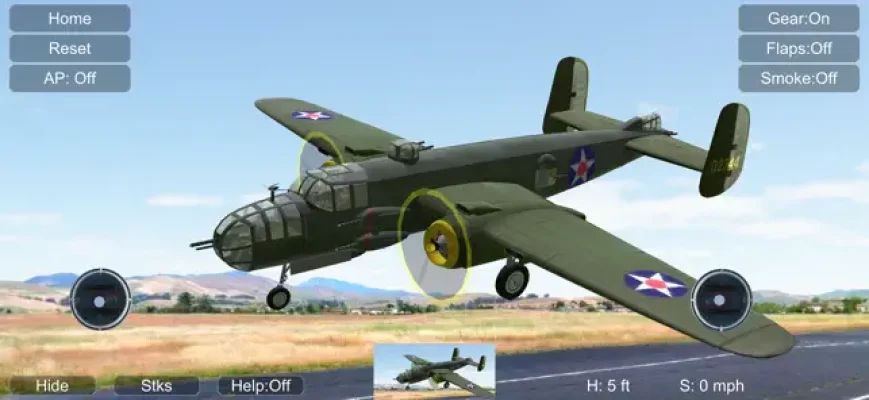
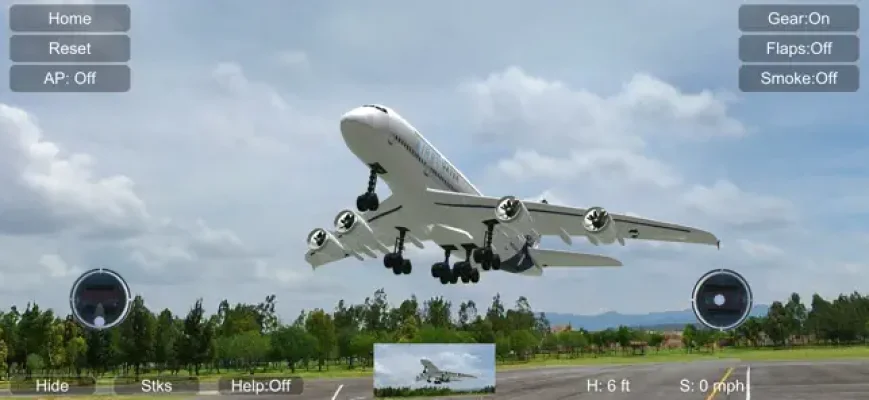
It's important to note that this is not a game - you are controlling real RC models that react just like the real thing. This means that it may take some time to learn and it's not an easy task. The onscreen control sticks are simply indicators and are intentionally small to avoid obstructing the screen. And don't worry about keeping your fingers on them - simply sliding your finger on the right or left side of the screen will control the corresponding stick.
For those who may need a little extra help, the program also includes an intelligent Auto Pilot feature that can assist with some or all of the controls. This can be especially helpful for beginners who are still getting a feel for flying. We recommend starting with the beginner settings for the first few days until you feel comfortable progressing further.
So have fun and keep flying with this RC simulator! Whether you're a seasoned modeler or just starting out, this program offers a realistic and exciting way to learn and improve your skills. And with the added bonus of RC boats and cars, there's something for everyone to enjoy.
Rate the App












Popular Apps









