
Action Dot: Assistive Touch
1.1.5 by Androxus (0 Reviews) July 17, 2026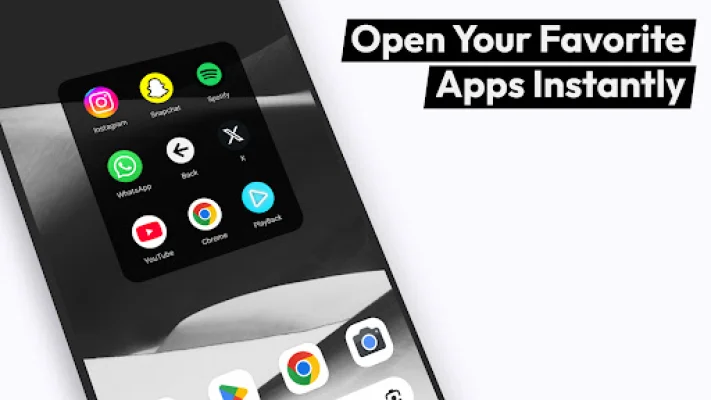
Latest Version
1.1.5
July 17, 2026
Androxus
Tools
Android
0
Free
com.androxus.assistivetouch
Report a Problem
More About Action Dot: Assistive Touch
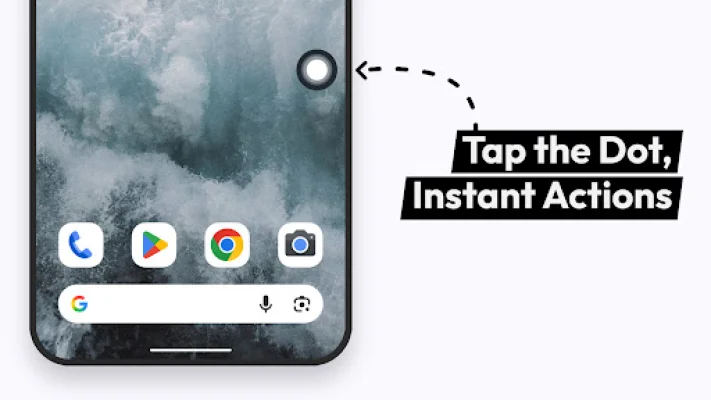
Simplify your daily interactions with the Action Dot: Assistive Touch app. This app offers a floating dot that can assist you with various tasks, protect your hardware buttons, and improve multitasking. With its customizable menu and clean user interface, this app is designed to make your life easier and more efficient.
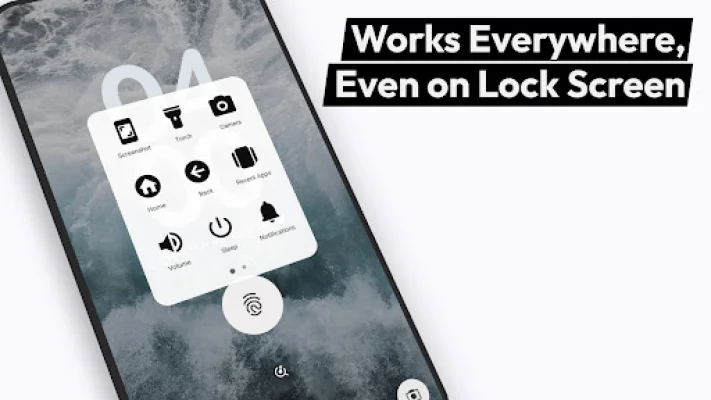
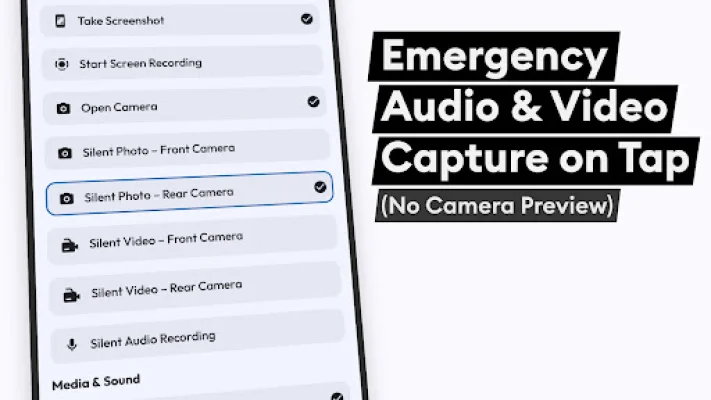
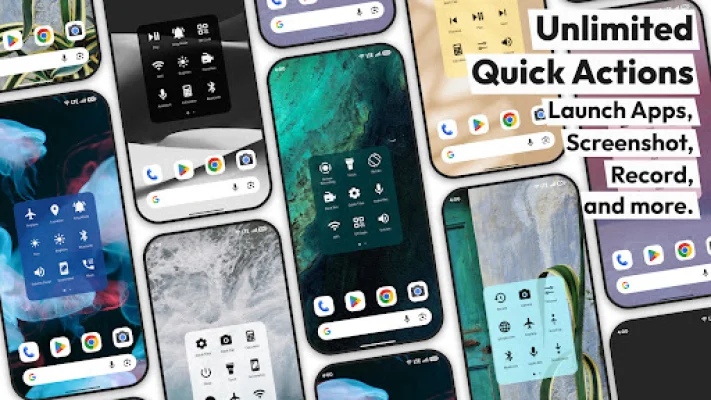
One of the key features of Action Dot is its ability to record your screen and take screenshots with just one tap. This reduces wear on your power and volume buttons. You can also use the floating dot to access your camera quickly, without having to open the camera app first. Additionally, you can use the dot to record audio, turn on your flashlight, and lock your screen without pressing the power button.
The app also offers smart navigation and system controls. You can use the dot as soft home and back buttons, open recent apps, and scroll to the top or bottom of long chats or webpages. You can also expand your notification shade or quick settings, toggle screen rotation, and access the power menu with just one touch.
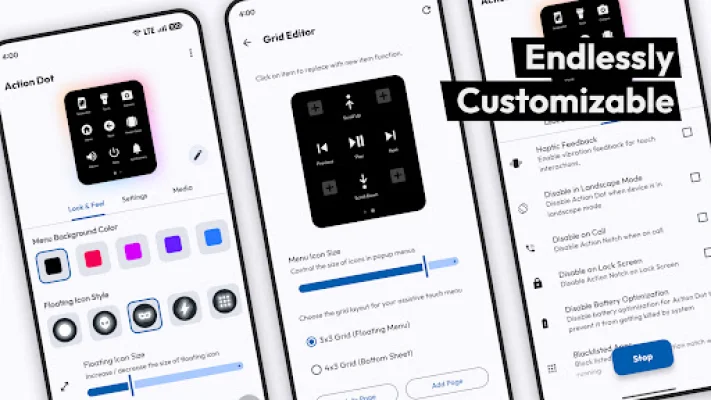
Action Dot also allows you to customize your menu by pinning your favorite apps, recent or frequently used apps, and even your calculator. You can also use the dot to call your favorite or emergency contacts, scan QR codes and barcodes, and control your Wi-Fi, Bluetooth, airplane mode, location, brightness, and sound settings.
One of the reasons you'll love Action Dot is its one-handed control feature. You can place the floating dot anywhere on your screen for easy reach. This not only makes it more convenient to use, but it also helps protect your hardware buttons from excessive usage. The app is also optimized to run in the background, making it battery-friendly.
It's important to note that Action Dot uses the Android Accessibility Service API to provide its assistive touch and floating shortcut features. This allows the app to display the floating dot above other apps and perform shortcuts on your behalf. However, the app does not read or store any personal data, passwords, or messages. The accessibility privileges are only used to enable the overlay and execute your chosen actions safely.
Rate the App











Popular Apps









