

AD Boy: All-in-One-Emulator
2.2.1 by GB, GBC, GBA, SG and more! (0 Reviews) September 12, 2024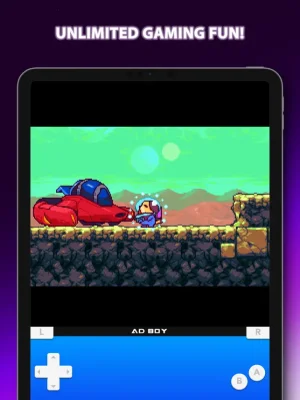
Latest Version
2.2.1
September 12, 2024
GB, GBC, GBA, SG and more!
Games
iOS
14.8 MB
0
Free
Report a Problem
More About AD Boy: All-in-One-Emulator
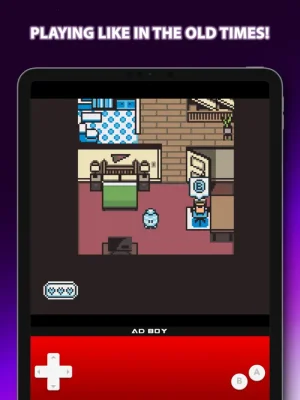
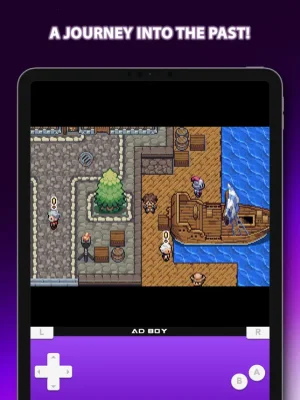
AD Boy is a versatile emulator that allows users to relive the nostalgia of classic gaming on their device. It supports a wide range of systems including Nintendo Entertainment System, Super Nintendo Entertainment System, Game Boy (Color), Game Boy Advance, Sega Master System, Sega Genesis/Mega Drive, and Sega Game Gear. This opens up a treasure trove of classic titles for users to enjoy on their device.
The PlayStack feature allows users to organize their game collection in a sleek library and launch them with the Game Launcher. This makes it easy to access and play their favorite games without any hassle.
With the Quick Save and Quick Load feature, users can save their game progress at any point and load it whenever they want. This allows for a seamless gaming experience without the fear of losing progress.
The Fast Forward feature allows users to play their games at a faster speed, making it easier to reach their goals and complete levels quickly. This is especially useful for games with long cutscenes or repetitive sections.
AD Boy also offers the option to export and import save states, allowing users to transfer their game progress to another device or emulator. This makes it convenient for users who want to continue playing their games on a different device.
Users can also customize the appearance of AD Boy with a variety of skins to suit their preferences. This adds a personal touch to the emulator and enhances the overall gaming experience.
For those looking to enhance their gaming experience, AD Boy also offers the option to use cheat codes. However, it's important to note that the emulator should only be used with legally acquired game files and the developers do not endorse or support piracy in any form.
In conclusion, AD Boy is a comprehensive emulator that offers a range of features to make the classic gaming experience on a device as smooth and enjoyable as possible. With its support for multiple systems and various features, it is a must-have for any gaming enthusiast.
Rate the App















Popular Apps









