

Affinity Plus Youth Banking
2.10.0 by Affinity Plus Federal Credit Union (0 Reviews) April 27, 2026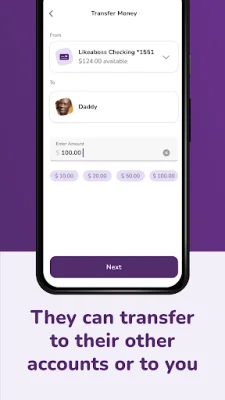
Latest Version
2.10.0
April 27, 2026
Affinity Plus Federal Credit Union
Finance
Android
0
Free
io.bankingon.yb.apfcu
Report a Problem
More About Affinity Plus Youth Banking
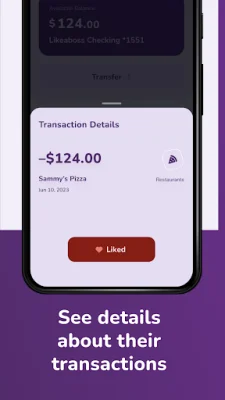
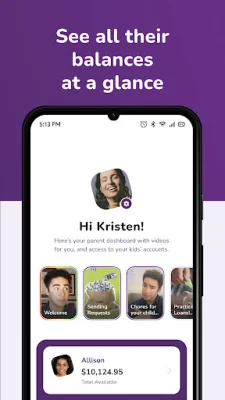
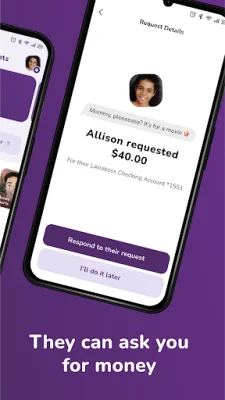
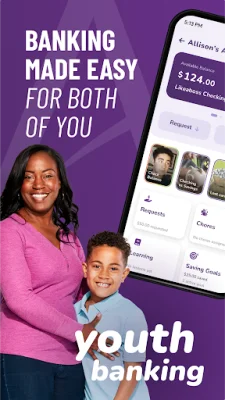
The Affinity Plus Youth Banking app is a helpful tool for parents to teach their children about money management and instill good financial habits. With the app, kids can set savings goals, watch educational videos, send requests for money, and track their chores. Parents can also use the app to set savings goals for their child, watch their progress, and request money from them.
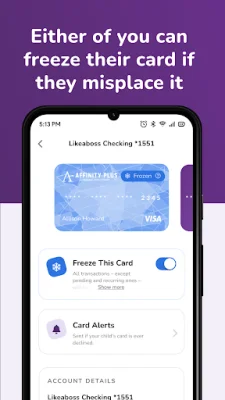
Kids can learn about banking and how to be smart with money through short videos on the app. They can also transfer money between their own Affinity Plus accounts and even send money to their parents if they need to pay them back. Parents can set spending limits for their child and assign chores, track their progress, and pay them when they're done. They can also freeze their child's debit card if needed.
To use the app, both the parent and child need their own mobile phones with separate phone numbers and email addresses. They also need to have Affinity Plus memberships. If the child does not have a membership yet, one can be opened through video banking or at a branch. A copy of the child's birth certificate may be required.
To get the app, both the parent and child need to download the Affinity Plus Youth Banking app on their devices. The parent should register first, followed by the child, and both should do so on their own phones. It is helpful to have both devices handy during registration, as the child will need a Parent Code from the parent. Once registered, parents and children can easily transfer money and have important conversations about money management.
Rate the App















Popular Apps









