

AirBeamTV Screen Mirroring
1.1.8 by AirBeamTV BV (0 Reviews) September 20, 2024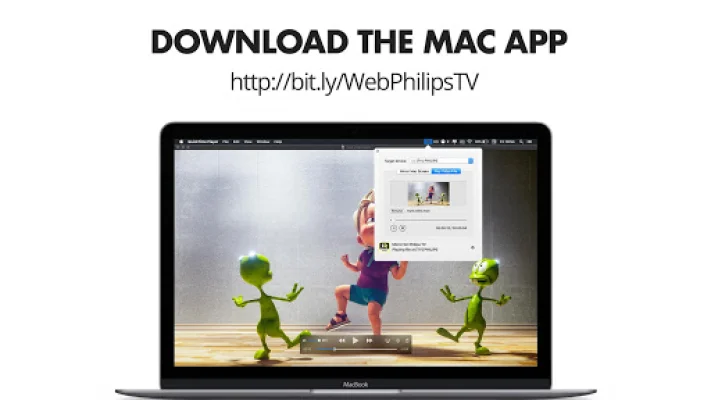

Latest Version
1.1.8
September 20, 2024
AirBeamTV BV
Entertainment
Android
0
Free
com.airbeamtv.dlnadmr.androidtv
Report a Problem
More About AirBeamTV Screen Mirroring
AirBeamTV is an application that allows you to easily cast your Mac, iPhone, iPad, Android phone, and Android tablet screens and audio to your Android TV. It provides a smooth and high-definition screen mirroring experience, perfect for streaming your favorite series, movies, and videos. With this app, you can easily share media from your devices to a larger screen, making it ideal for movie nights or sharing content with friends and family. AirBeamTV's screen mirroring technology ensures that your content is displayed beautifully and effortlessly on your TV.
AirBeamTV offers universal compatibility, meaning it can be used on a wide range of devices including Sony, Philips, and other Android TVs. It also supports diverse media casting, allowing you to stream HD videos, photos, movies, and popular series or shows. The app is designed to be user-friendly, making screen mirroring accessible to all. Additionally, AirBeamTV is constantly updating and improving its features, ensuring that users always have the best screen mirroring solution at their fingertips.
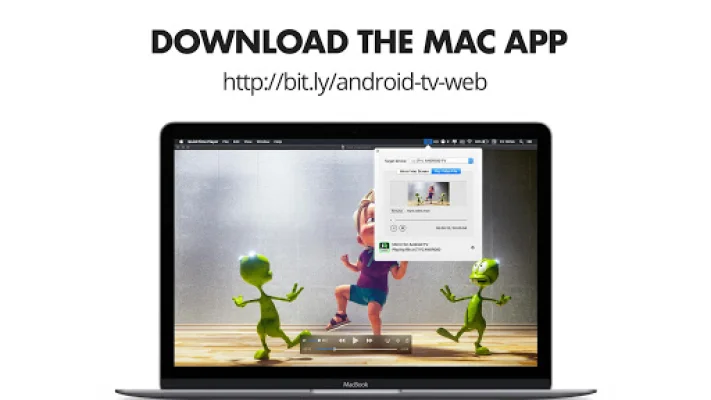
To cast to your TV using AirBeamTV, you simply need to install the app on your Android TV, download the corresponding app on your Mac, iPhone, iPad, Android phone, or Android tablet, and connect both devices to the same Wi-Fi network. Then, open the mirror app on your mobile device or Mac, select your TV, and start screen mirroring. It's that easy!
AirBeamTV supports a wide range of Android TVs, including Sony, TCL, Philips, Xiaomi, Hisense, and many others. It also ensures compatibility with iPhone, iPad, Mac, Android phone, and Android tablet. The only requirements are an Android TV, Wi-Fi, and one of the supported devices.
There are many benefits to using screen mirroring with AirBeamTV. You can easily share photos and videos with loved ones on a bigger screen, watch live sports events and videos, stream movies and shows, cast educational or business content, and create a safer home without cables. The app is also great for preventing eyestrain and casting wirelessly to your TV.
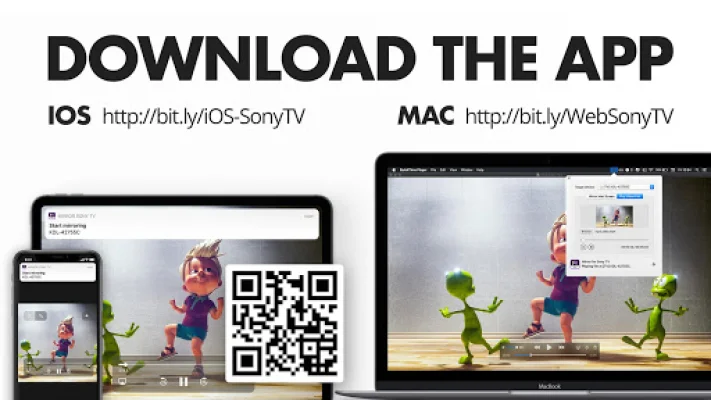
If you have a Sony or Philips Android TV, you can download the corresponding app for your Mac, iPhone, iPad, Android phone, or Android tablet. For other Android TVs, there is a separate app available. You can also easily stream apps, movies, series, photos, videos, and presentations on your TV with AirBeamTV.
If you enjoy using AirBeamTV, please rate the app. If you encounter any issues with casting your devices to your TV, you can contact the AirBeamTV team for support. It's important to note that there may be limitations due to DRM or latency, but the app strives to provide the best screen mirroring experience possible.
Rate the App















Popular Apps









