
Android Navbar
1.7 by Pratik Raut (0 Reviews) September 22, 2024
Latest Version
1.7
September 22, 2024
Pratik Raut
Tools
Android
0
Free
com.pratikraut.androidnavbar
Report a Problem
More About Android Navbar
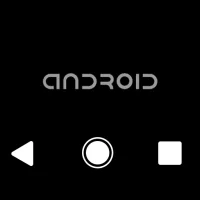
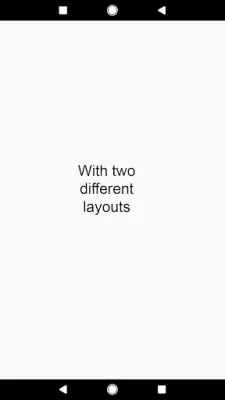
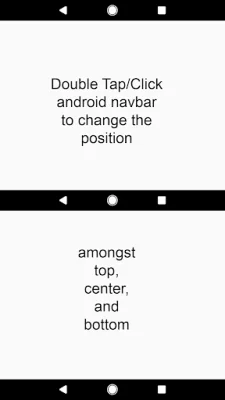
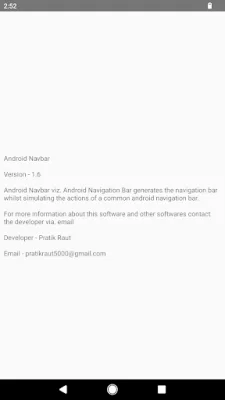
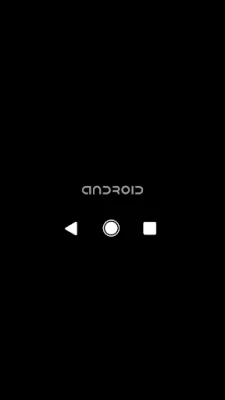
This application, called Android Navbar, is designed to provide users with a software navigation bar that can be used instead of the hardware navigation bar on their Android devices. It also offers additional features and options that can enhance the user's experience. The app is compatible with all Android versions up to Android 5.1 (Lollipop MR1) and comes with 11 different themes to choose from. It also allows users to customize the position of the navigation bar and swap the 'Back' and 'Recent apps' buttons for left or right-handed usage.
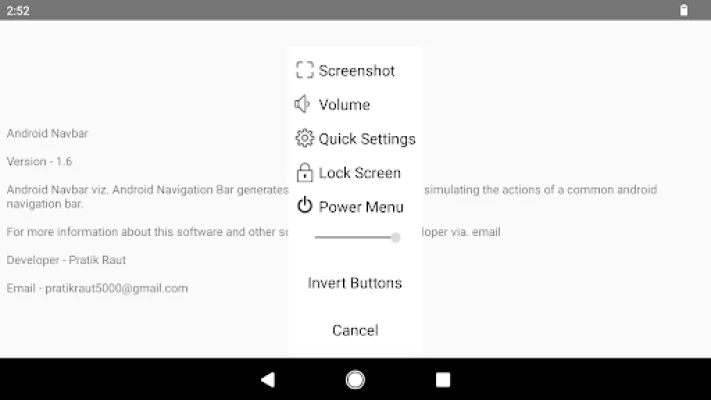
The Extra Options feature of Android Navbar includes special hidden options that can be accessed by long-pressing on the navigation bar. These options vary depending on the Android version and device. Some of the options include taking a screenshot, adjusting the volume, accessing quick settings, and turning off the screen. However, on some devices, clearing the recent apps or cache may cause the app to exit. In such cases, the user can either disable and re-enable the app from the Accessibility Settings or restart the device.
In order to function properly, Android Navbar requires the use of the Accessibility Service API. This allows the app to access the necessary functions and features to display the navigation bar and extra options on the screen. Without this service, the app will not work.
The app also offers an Emergency Mode, which can be accessed through the device's settings. This allows the user to enable or disable the Android Navbar as needed.
The app has gone through several updates, with the latest version (v1.6) including bug fixes. Other updates have added support for newer Android versions, a slider to switch between themes, and the option to invert the 'Back' and 'Recent apps' buttons. The initial release (v1.0) included support for all Android versions up to Android 5.1 (Lollipop MR1) and the Extra Options feature.
Rate the App















Popular Apps









