

AnExplorer Share File Transfer
5.5.3 by DWorkS (0 Reviews) August 19, 2024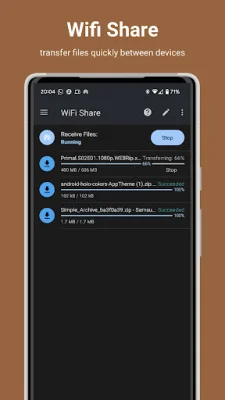
Latest Version
5.5.3
August 19, 2024
DWorkS
Tools
Android
0
Free
dev.dworks.apps.anexplorer
Report a Problem
More About AnExplorer Share File Transfer
This application is a comprehensive file management tool that allows users to easily organize, access, and transfer files across various devices and storage options. With this app, users can browse, create, multi-select, delete, rename, compress, extract, copy and paste, move files and folders. They can also search for files by name and extension, filter by file type, size, and date, and enable folder sizes and see thumbnails for media. Additionally, users can copy and paste, move files and folders between different storage options.
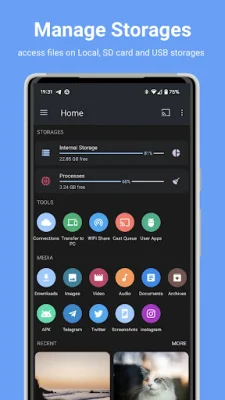
The app also serves as a storage file manager, allowing users to browse files and folders from USB mass storage devices with a FAT32 or NTFS file system. This includes SD cards, internal storage, external storage, USB storage, flash drives, and USB OTG. Users can also access files from other devices, such as TVs, watches, and tablets, directly on their phone with a simple setup.
The media library manager feature categorizes all files into images, pictures, camera photos, videos, movies, audio, music, documents, archives, and APKs. Users can quickly access and manage files downloaded from the internet and Bluetooth, as well as bookmark their favorite folders for easy access. The app also includes a network file manager, allowing users to browse and manage files from network-attached storages (NAS) such as FTP, FTPS, SFTP, SMB, and WebDAV.
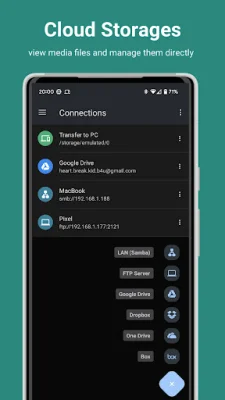
For those who use cloud storage, the app offers a cloud file manager that allows users to manage files from services like Box, One Drive, and Dropbox. They can create folders, upload and delete files, and view pictures and videos directly from the app. The app also includes an offline WIFI share feature, allowing users to transfer files between Android devices on the same Wi-Fi network without internet access. They can also transfer files to Mac Book AirDrop or Windows Nearby Sharing directly using Wi-Fi with Warp Share.
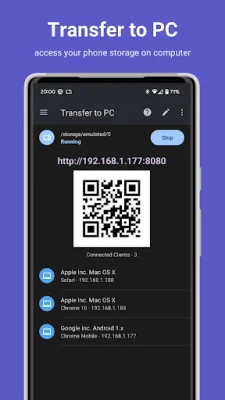
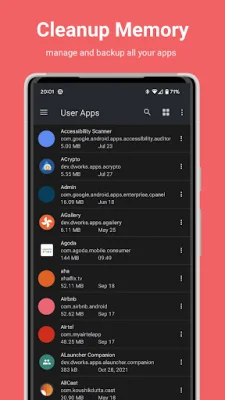
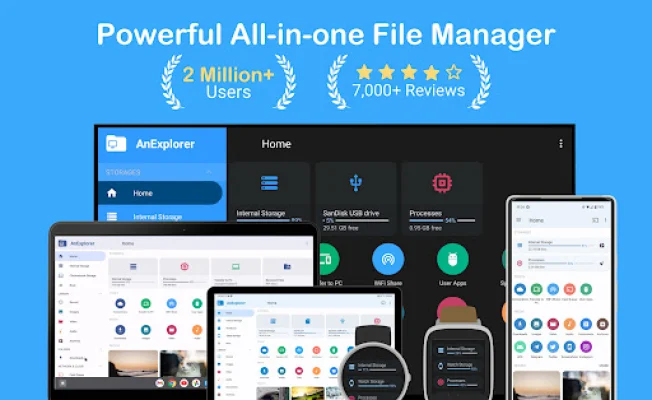
Other features of the app include the ability to transfer files to a computer using an HTTP server, cast local media to devices like Google Home and Android TV, manage applications by uninstalling multiple unwanted apps, and save favorite apps to memory for easy reinstallation. The app also supports Android TV, Wear OS, and root file management for advanced users. Additionally, users can edit text files on the go and clean up their phone's storage space with the memory cleaner feature. Lastly, the app offers a social media file manager for organizing WhatsApp media and a root file manager for exploring and editing system folders with root permissions.
Rate the App















Popular Apps









