
ApowerMirror-TV Screen Sharing
1.2.4 by Apowersoft (0 Reviews) August 07, 2024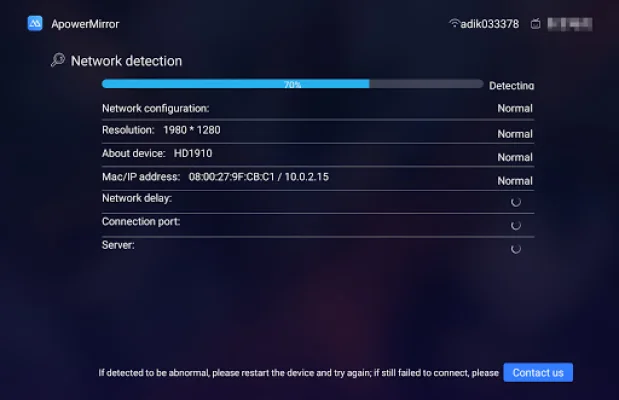
Latest Version
1.2.4
August 07, 2024
Apowersoft
Tools
Android
0
Free
com.apowersoft.mirror.tv
Report a Problem
More About ApowerMirror-TV Screen Sharing
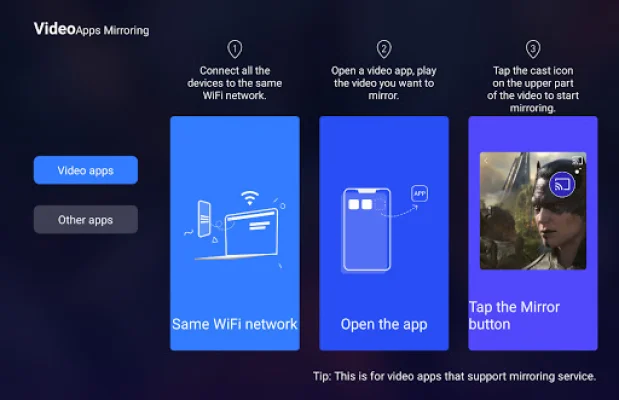
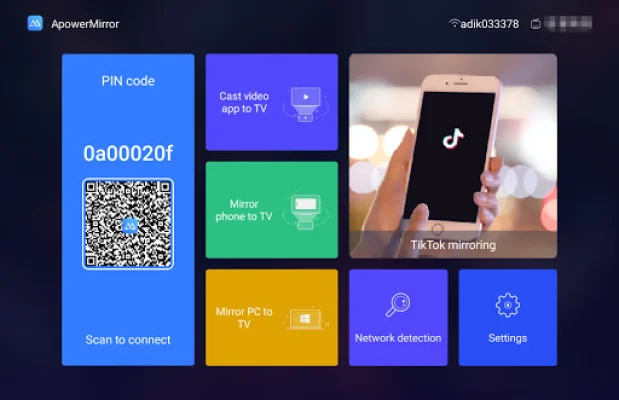
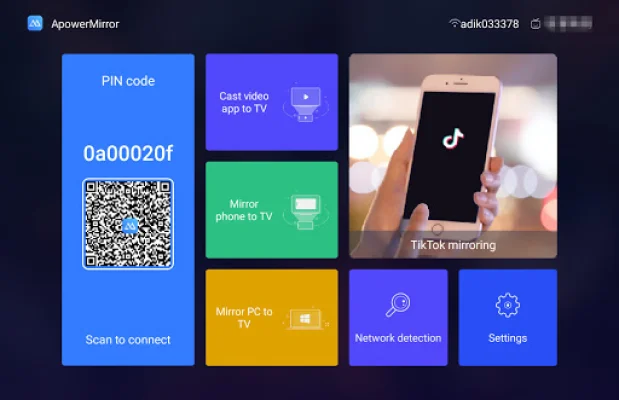
ApowerMirror is a versatile application that allows you to share your phone screen with others on a larger TV screen. With its screen mirroring feature, you can easily cast your phone screen to your TV and enjoy videos, photos, presentations, and even eBooks on a bigger display. This app also supports streaming videos from your phone to TV, making it convenient to watch your favorite content on a larger screen.
One of the key features of ApowerMirror is its compatibility with mainstream Android TVs. It can be used to mirror your phone to an Android TV running on Android 5.0 or higher. This makes it accessible to a wide range of users and devices.
In addition to screen mirroring and video streaming, ApowerMirror offers other useful features such as sharing gameplay and photos on TV. It also allows you to do presentations and read eBooks on your TV screen. With this app, you can even access your phone apps and visit websites on your TV, providing a better user experience.
Another highlight of ApowerMirror is its ability to control your TV with your phone. Once your phone is mirrored to the TV, you can use your phone as a remote control to play, pause, adjust volume, and more. You can also rotate the screen to your desired orientation and customize the frame rate or resolution for a better viewing experience.
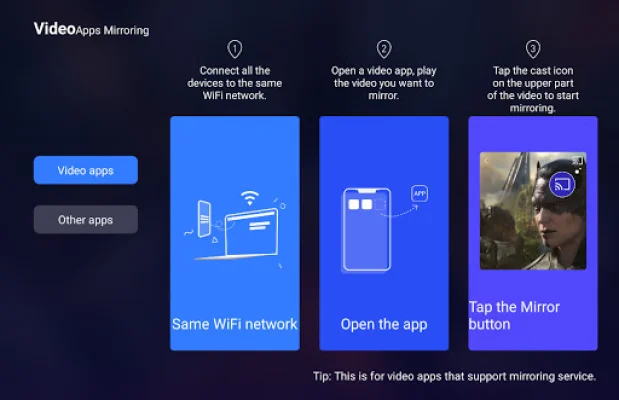
To use ApowerMirror, simply ensure that your phone and TV are connected to the same WiFi network. This app is available for both Android and iOS devices, with the option to adjust AirPlay resolution for iOS users. If you encounter any issues or have suggestions for the app, you can contact the support team at [email protected]. With its wide range of features and compatibility, ApowerMirror is a must-have app for anyone looking to share their phone screen with others on a larger display.
Rate the App















Popular Apps









