

Arduino Bluetooth RC Car
2.1.1 by omfaer (0 Reviews) April 21, 2026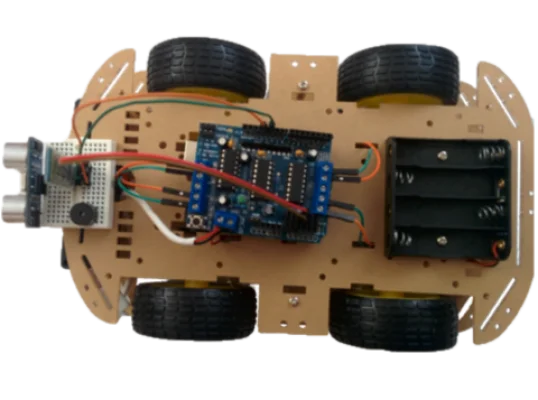

Latest Version
2.1.1
April 21, 2026
omfaer
Education
Android
0
Free
omfaer.com.carino
Report a Problem
More About Arduino Bluetooth RC Car
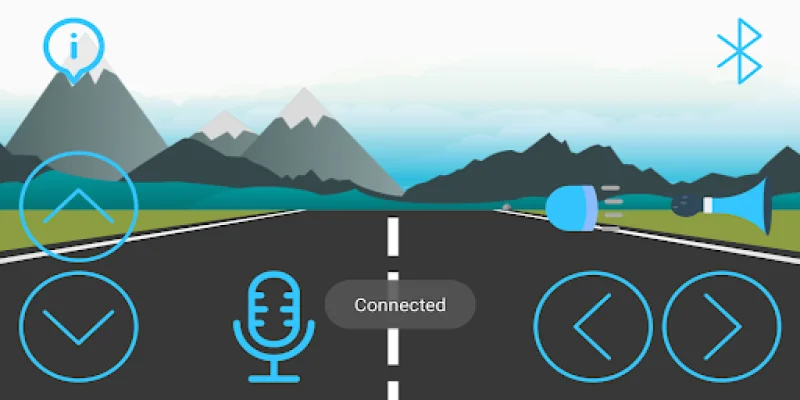
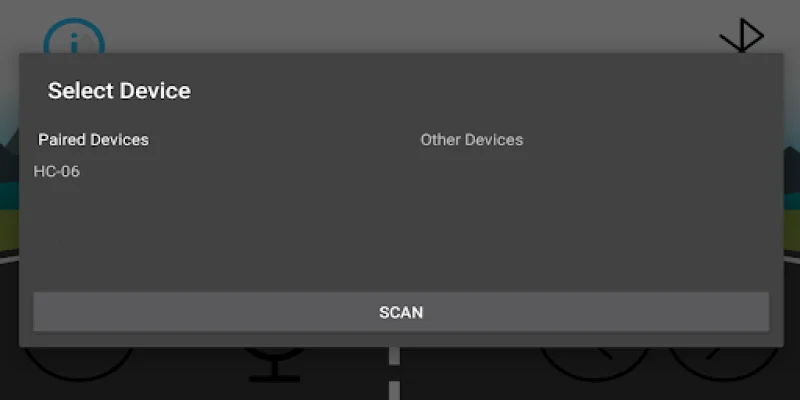
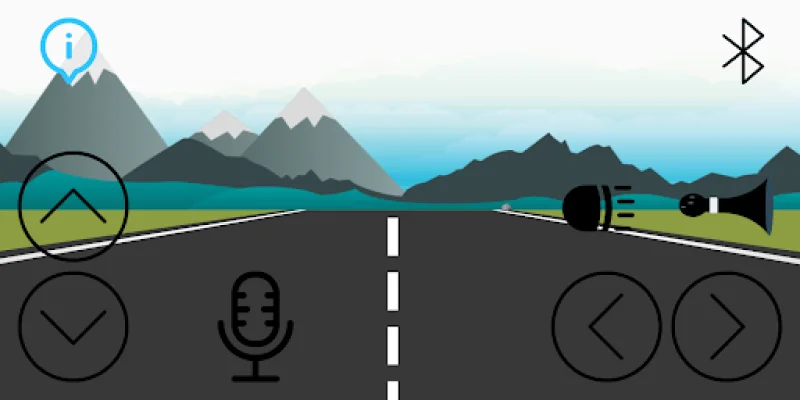
This app allows you to control the circuit of a car or toy car that you have created using a microcontroller, such as an Arduino. The buttons on the app are initially inactive, but once a Bluetooth connection is established, they become active and you can start controlling your vehicle. You also have the option to control the vehicle using voice commands.
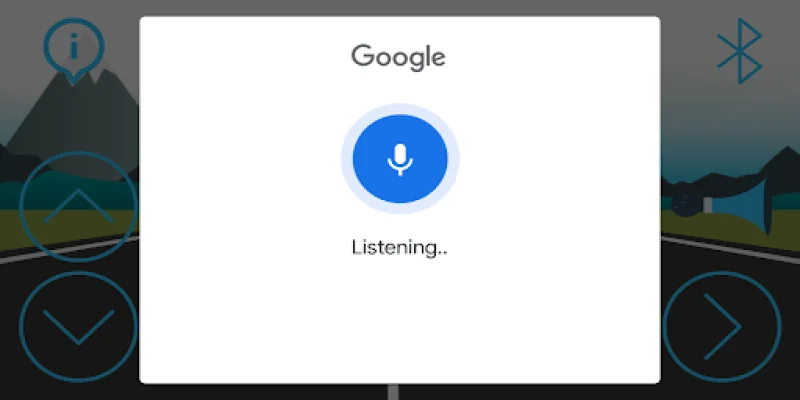
The app works by sending data through either the direction keys or voice commands. When using voice commands, a list of words will appear on the screen. If any of these words match a command that affects the vehicle, that command will be applied. For example, if you say "back", the app will check for words like "beck", "bek", and "back" and if any of them are present, it will send the 'B' character to make the vehicle move backwards.
The app has a variety of commands that you can use to control your vehicle. These include "Forward" (F or "go"), "Back" (B or "back"), "Turn left" (L or "left"), "Turn right" (R or "right"), "Stop" (S or "stop"), "Circle Stop" (C or "circle"), "Horn" (O or "horn"), "Headlight" (H or "turn on" or "turn off"), and arrow keys for touch control. The app responds to touch, not click, so it will send commands in the order of Forward (F), Backward (B), Stop (S), Left (L), Right (R), and Circle Stop (C).
For those interested in the technical side, the app will soon have the Arduino source code available. Additionally, the app features an "Infinite Road" animation created by Mustafa Ameri, which can be found at https://lottiefiles.com/28593-an-infinite-road. We strive to provide an original and SEO-oriented experience for our users.
Rate the App















Popular Apps









