

Assistive Touch – Easy Control
by UITS (0 Reviews) March 29, 2026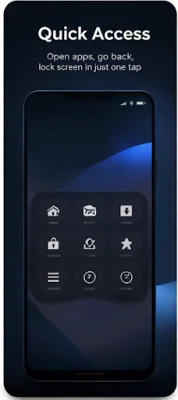
Latest Version
March 29, 2026
UITS
Tools
Android
0
Free
vn.uits.assistive
Report a Problem
More About Assistive Touch – Easy Control
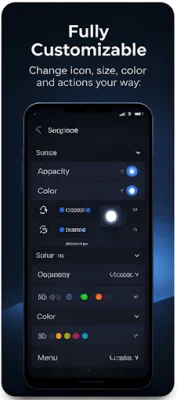
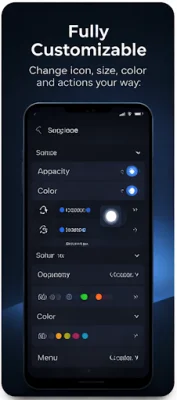
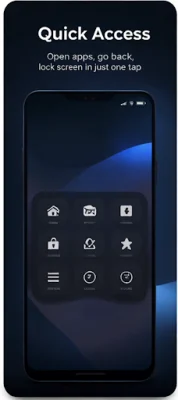
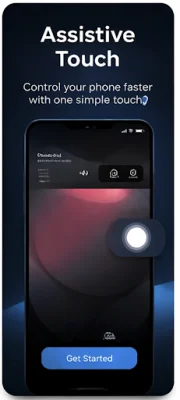
Assistive Touch is a helpful application that allows users to access important system actions without having to use physical buttons. This can be especially useful for individuals with disabilities or those who have difficulty using traditional buttons. The main feature of this app is a floating button that provides quick access to system actions such as Back, Home, and Recent Apps. The interface is easy to use and can be customized to suit individual preferences. Additionally, the app is lightweight and offers smooth performance.
In order to provide its core functionality, Assistive Touch uses the Accessibility Service API. This allows users to perform system-level actions through the floating button. However, the Accessibility Service is only activated after the user explicitly enables it and is used solely for the purposes described above. This ensures that the app respects the user's privacy and does not collect, store, or share any personal or sensitive data. It also does not monitor user activity or read screen content or input data.
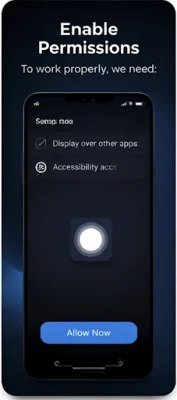
The app only requires two permissions: Accessibility Service and Display over other apps. The Accessibility Service is used to perform system actions, while the Display over other apps permission is necessary to show the floating button. It is important to note that Assistive Touch does not change system settings without user consent and does not interfere with system protections or user control. Users also have the option to disable the service at any time in their system settings.
Overall, Assistive Touch is designed to improve usability and provide quick access to system controls in a simple and user-friendly way. It is a useful tool for anyone who wants to make their device more accessible and convenient to use. With its lightweight and customizable interface, this app is a great addition to any device.
Rate the App












Popular Apps









