

AssistTouch for Android
2.0 by Gesture guy (0 Reviews) August 21, 2024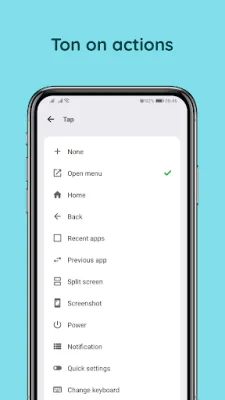


Latest Version
2.0
August 21, 2024
Gesture guy
Tools
Android
0
Free
ios.smooth.assistive.assisitivetouch
Report a Problem
More About AssistTouch for Android
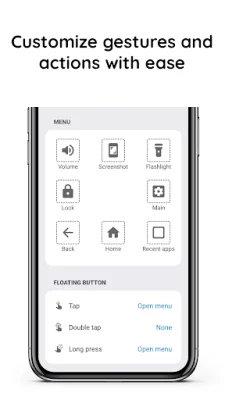
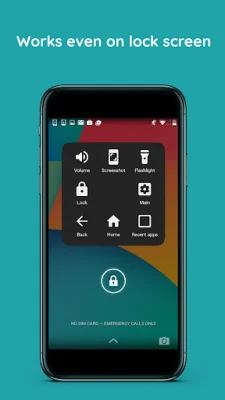
Assistive Touch for Android is an application that provides a convenient menu for users to access various settings and functions on their device. This menu includes options such as navigating to the home screen, opening recent applications, taking screenshots, and adjusting settings like Wi-Fi, Bluetooth, and volume. The app also offers features like locking the screen, changing the keyboard, and launching apps or shortcuts (which will be available in a future update).
The app utilizes the Accessibility service to perform certain functions, such as locking the screen, returning to the home screen, and navigating back. It also allows users to open the control center, power dialog, and take screenshots. It is important to note that the app does not collect any personal information and all actions are only performed with the user's consent.
To enable Assistive Touch on your Android device, simply go to your device settings and select "Accessibility." From there, find "Assistive Touch" in the list and turn it on. This will grant the necessary permissions for the app to operate.
Assistive Touch for Android is a useful tool for those who may have difficulty navigating their device or accessing certain settings. It provides a simple and accessible menu for users to quickly and easily perform various actions. With its upcoming feature of launching apps and shortcuts, it will become even more convenient for users to customize their device to their needs. And with the reassurance that no personal information is collected, users can feel confident in using this app to enhance their Android experience.
Rate the App















Popular Apps









