

AT&T Visual Voicemail
4.11.0.10234 by AT&T Services, Inc. (0 Reviews) July 27, 2024

Latest Version
4.11.0.10234
July 27, 2024
AT&T Services, Inc.
Communication
Android
0
Free
com.att.mobile.android.vvm
Report a Problem
More About AT&T Visual Voicemail
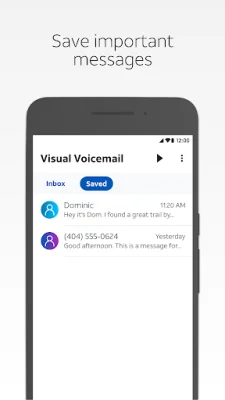
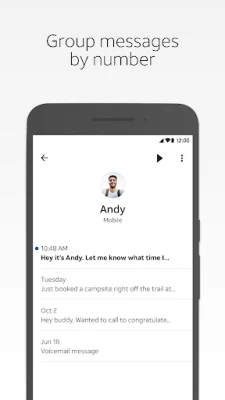
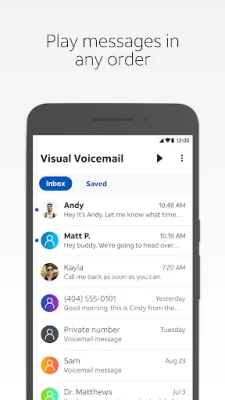
This application allows users to manage their voicemail messages in a convenient and customizable way. With the ability to play messages in any order, read text transcriptions, and save messages within the app, users have full control over their voicemail experience. Additionally, messages can be easily shared via email, text, or to a cloud drive, making it easy to keep important messages organized and accessible.
In order to use this app, users must have a supported Android smartphone and an AT&T data plan that includes Visual Voicemail. It is important to note that non-AT&T variant smartphones may not be compatible with this app. If users encounter any setup problems, they can confirm their plan by viewing their account on att.com or the myAT&T app.
One of the key benefits of using this app is that receiving voicemail messages does not count against the user's data rate plan while on the AT&T network. However, a cellular data or Wi-Fi Calling connection is required as the app does not work on a Wi-Fi only connection. It is also important to note that international data and messaging charges may apply when receiving, replying to, and forwarding voicemail messages while roaming internationally.
When using this app, data charges may apply for downloading the application or using text transcription. Additionally, if users exceed their data and/or messaging plan limits, applicable charges may apply for data and/or messaging usage. The app may also send a one-time SMS to AT&T to retrieve mailbox information.
In summary, this app offers a convenient and customizable way to manage voicemail messages. With features such as playing messages in any order, text transcriptions, and easy sharing options, users have full control over their voicemail experience. However, it is important to have a supported Android smartphone and an AT&T data plan with Visual Voicemail in order to use this app.
Rate the App















Popular Apps









