

Auto Click - Automatic Clicker
2.2.71 by gc auto clicker (0 Reviews) August 06, 2024
Latest Version
2.2.71
August 06, 2024
gc auto clicker
Tools
Android
0
Free
com.speed.gc.autoclicker.automatictap
Report a Problem
More About Auto Click - Automatic Clicker
This application is designed to assist users with tasks that require repeated clicks or swipes. It is especially useful for those who want to use a click assistant for playing games, auto-liking, and automatically accepting tasks. The app has several key features that make it stand out from other clickers on the market.
One of the main features is the delayed timed start, which allows users to choose the time to start tapping. This is helpful for tasks that require fast touch but may not be convenient to do manually. The app also offers a synchronous click pattern, which allows for tapping on multiple targets at the same time.
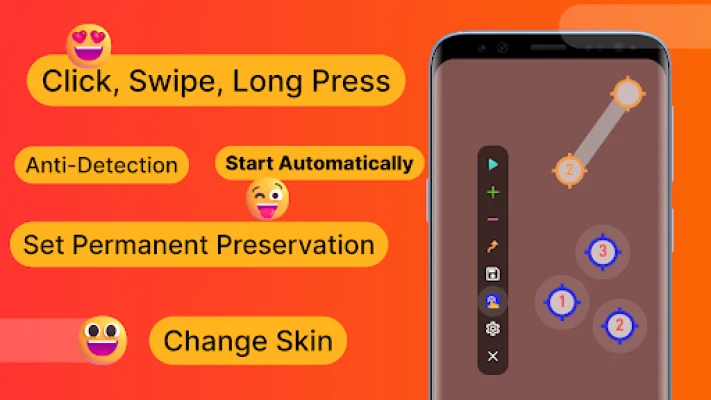
The multi-touch click mode is another useful feature, as it supports tapping multiple target points in succession. Users can also set the number of cycles for each target point individually. The combined click mode is perfect for gaming, as it allows for simultaneous tapping, swiping, and long-pressing.
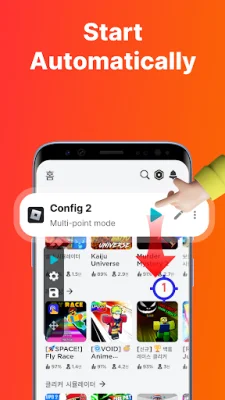
The edge click mode is unique to this app and allows users to tap on the edges of their phone. This is helpful for tasks that require tapping on areas that other clickers may not support. The app also offers an auto-launch feature, which automatically starts the clicker when a specific app is opened.
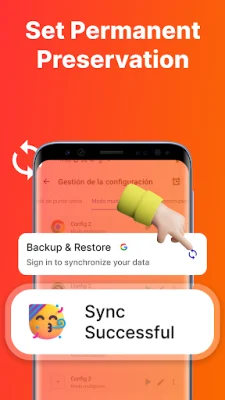
To address concerns about being detected while using the clicker in games, the app offers an anti-detection feature. This allows users to set clicks at random intervals and coordinates. Additionally, the app allows for the import and export of saved configurations, making it easy to switch between different settings.
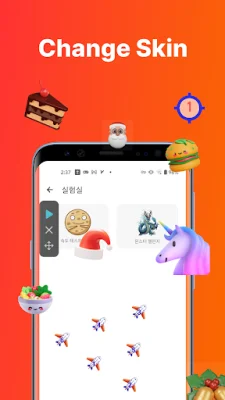
Users can also customize their clicking experience by changing the skin of the click target and adjusting the transparency of the floating controls. The app is only available for Android 7.0 and above and does not require root permission.
If users have any feedback or questions, they can contact the developers through email. The app uses the AccessibilityService API for its core functionality, and it does not collect any personal data through this interface. The app also provides guides and tutorials on its website and YouTube channel for users to learn how to use it effectively.
Rate the App















Popular Apps









