

Auto Clicker - Tap Automator
1.07 by Netlinkd (0 Reviews) November 19, 2025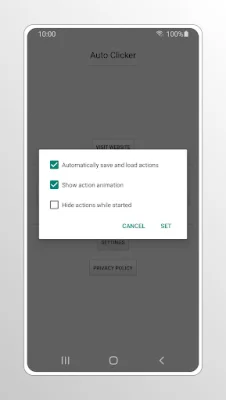
Latest Version
1.07
November 19, 2025
Netlinkd
Tools
Android
0
Free
com.autoclicker
Report a Problem
More About Auto Clicker - Tap Automator
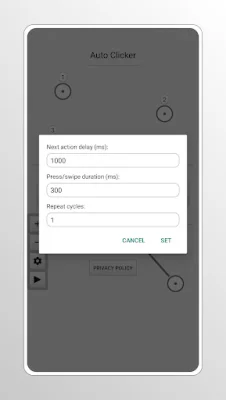
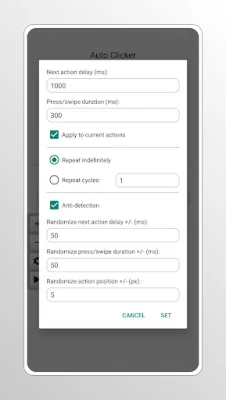
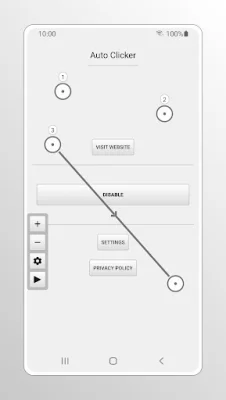
This app is a powerful tool that allows users to set individual settings for each action. By simply tapping on an action, users can customize it to their specific needs. Additionally, users can also remove actions by long pressing on them. To disable the floating sidebar, users can open the app and tap on the Disable button.
It's important to note that when using multiple actions, the delay between each action must be longer than the press or swipe duration. This ensures that the current action is not canceled by the next one.
This app can be especially beneficial for individuals with mobility impairments or repetitive strain injuries. By automating interactions with the device, it reduces the need for physical taps and swipes, making it easier for users to navigate their device.
Auto Clicker utilizes the AccessibilityService API to simulate clicks and swipes on the screen. The best part is, it does not require Root access. To use Auto Clicker, all you need to do is turn it on in the Accessibility settings on your device under Services/Apps. And don't worry, Auto Clicker does not collect any data through this service, ensuring the privacy of its users.
Rate the App















Popular Apps









