

Auto HotSpot Tethering
1.45.12 by self_dev (0 Reviews) August 07, 2024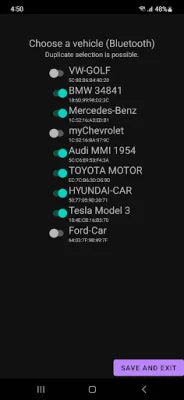
Latest Version
1.45.12
August 07, 2024
self_dev
Tools
Android
0
Free
com.jiq.autohotspot
Report a Problem
More About Auto HotSpot Tethering
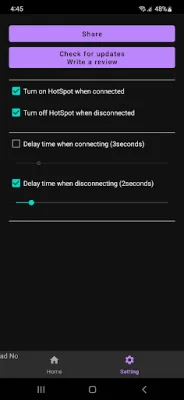
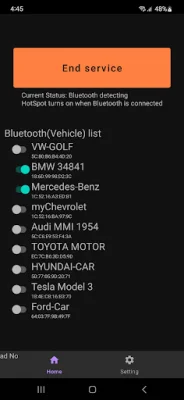
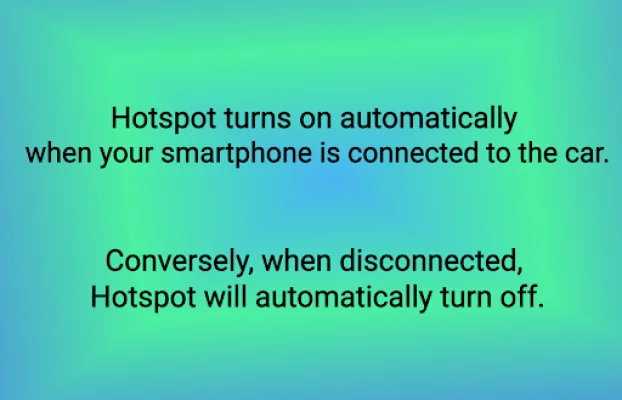
This application is designed to make it easier for users to connect to a hotspot and manage their internet connection. It has a unique feature that automatically turns off the hotspot when the device is disconnected. This means that users don't have to worry about accidentally leaving their hotspot on and draining their battery or using up their data.
The setup process for this app is very simple and straightforward, making it accessible for all users. It does not require any root permissions, so users can easily install and use it without having to make any changes to their device.
The app also offers full support for Android 13, ensuring that users with the latest devices can still benefit from its features. It also specifically caters to Tesla users, offering free internet connection, mobile data, and wifi connection. This makes it a valuable tool for Tesla drivers who want to stay connected while on the road.
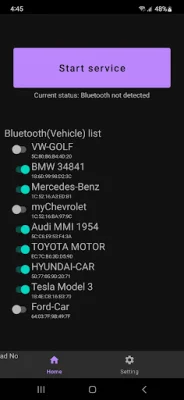
Once the app is set up, users can enjoy a more comfortable driving experience. They no longer have to worry about managing their hotspot or internet connection manually, as the app takes care of it for them. This allows them to focus on the road and enjoy their journey without any distractions.
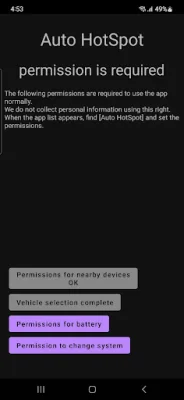
It's important to note that this app requires Accessibility Service to turn off the screen. This means that users will need to grant the app permission to access this service in order for it to function properly. However, this is a necessary step for the app to work effectively and provide users with a seamless experience. The app also uses AccessibilityService API for other actions such as turning off the screen, going to the home screen, and locking the screen. This ensures that the app is able to perform its functions efficiently and effectively.
Rate the App















Popular Apps









