

AweSun Client
2.2.1.38242 by AWERAY PTE. LTD. (0 Reviews) August 06, 2024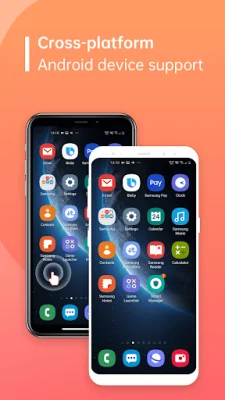
Latest Version
2.2.1.38242
August 06, 2024
AWERAY PTE. LTD.
Tools
Android
0
Free
com.awesun.control.service
Report a Problem
More About AweSun Client
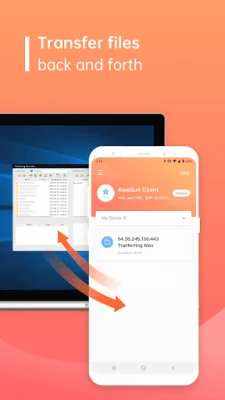
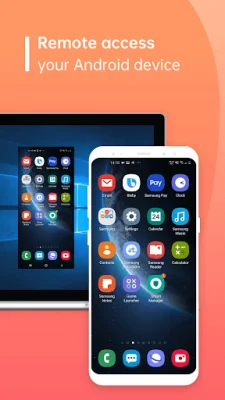
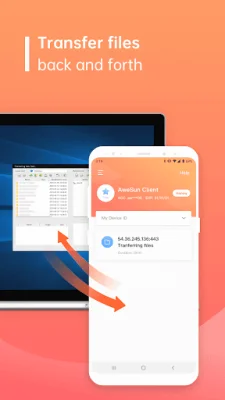
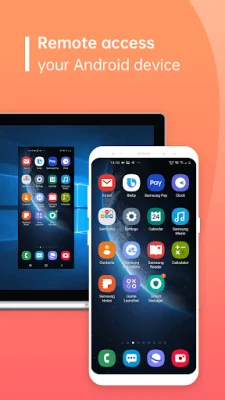
AweSun Client is an application that allows you to remotely control your Android device. With this app, you can transfer files, check your device's information, change Wi-Fi settings, and even give a technician access to your device. It's a convenient and easy way to troubleshoot any issues with your device. To use AweSun Client, all you need to do is install it on your Android device. Once installed, you can remotely control your device at any time. This makes it incredibly easy to troubleshoot any problems that may arise. One of the key features of AweSun Client is its ability to support a mobile world on the go. This means that no matter where you are, you can easily access and manage your device. This is especially useful when physical access to your device is not possible or when convenience is a top priority. The app offers a variety of features, including remote access to your phone screen, viewing device information, transferring files, managing your app list, and even pushing and pulling Wi-Fi settings. You can also view system diagnostic information and take real-time screenshots of your device. For more detailed information and remote assistance, you can visit the AweSun website. To use AweSun Client, simply download and install it on your device. The person you want to give remote access to will also need to install the app on their device and start it. Then, you can share your Device ID with them, and they can use the AweSun app with a Pro or Game Subscription to access your device. AweSun Client uses the Accessibility Service API to provide its remote control and remote viewing features. This API allows for seamless and secure access to your device, making it easy to troubleshoot, multitask, and assist others. The remote control feature allows you to control your device as if you were right in front of it, while the remote viewing feature enables real-time sharing of your device's screen for collaboration, learning, and technical support. At AweSun, your privacy and security are of utmost importance. The Accessibility Service API is only used to enable the remote control and remote viewing features, and the app does not engage in any unauthorized access or data mining. Your data remains protected, and your trust is highly valued. It's important to note that the Accessibility Service API should not be used for certain purposes, such as changing user settings without consent, bypassing Android's privacy controls and notifications, making deceptive or violative interface alterations, or remotely recording calls. AweSun Client adheres to these guidelines and respects the privacy and security of its users. With AweSun Client, you can easily and securely manage your Android device from anywhere, making troubleshooting and collaboration a breeze.
Rate the App















Popular Apps









