

BayCoast Bank Mobile
by Baycoast Bank (0 Reviews) March 30, 2026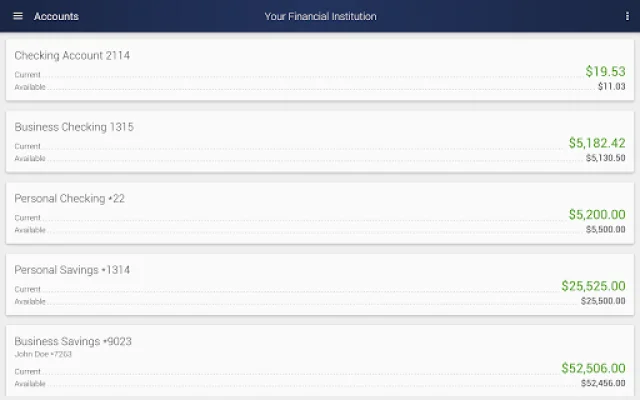
Latest Version
March 30, 2026
Baycoast Bank
Finance
Android
0
Free
com.ifs.banking.fiid7089
Report a Problem
More About BayCoast Bank Mobile
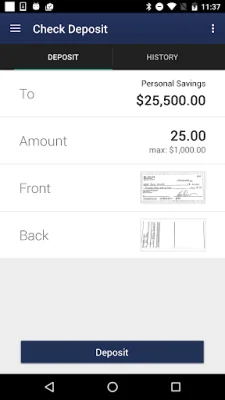
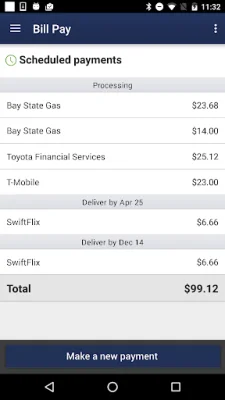
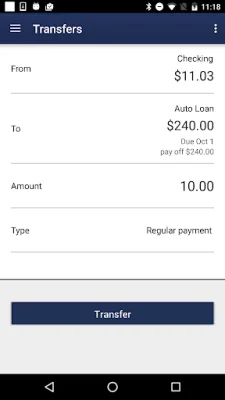
If you want to take advantage of the convenience and accessibility of mobile banking, BayCoast Bank has got you covered. To get started, you must first be an existing user of their Online Banking service. This means that you already have a User ID and Password that you use to access your account online. With this same login information, you can easily access your account through their Mobile Banking app as well.
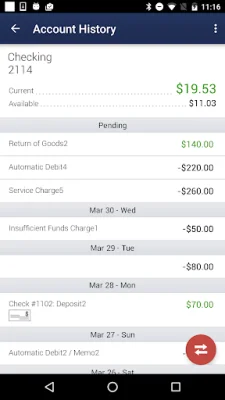
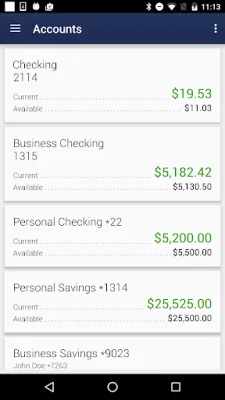
But before you can start managing your finances on-the-go, the system will verify your login information to ensure that it is really you. This added security measure gives you peace of mind knowing that your personal and financial information is protected. Once you are logged in, you can view your account information and perform transactions with ease and confidence.
At BayCoast Bank, they prioritize the safety and security of their customers' information. This is why their mobile banking app is equipped with the latest security measures and backed by their commitment to online security. You can rest assured that your sensitive data is in good hands.
For more information on how BayCoast Bank protects your privacy, you can visit their website at http://www.baycoastbank.com/home/security. Here, you can learn more about their security protocols and how they safeguard your personal and financial information. With BayCoast Bank, you can enjoy the convenience of mobile banking without compromising your privacy and security.
In conclusion, BayCoast Bank's mobile banking app offers a safe and secure way to manage your finances on-the-go. With their easy-to-use interface and top-notch security measures, you can bank with confidence and peace of mind. So why wait? Enroll in Online Banking today and start enjoying the convenience of mobile banking with BayCoast Bank.
Rate the App















Popular Apps









