

Berry Browser
3.74.75 by Ejimax (0 Reviews) August 23, 2024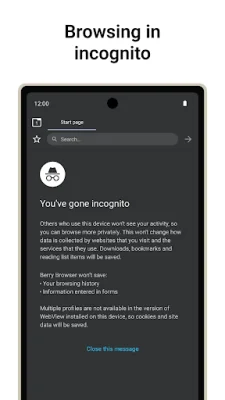
Latest Version
3.74.75
August 23, 2024
Ejimax
Tools
Android
0
Free
jp.ejimax.berrybrowser
Report a Problem
More About Berry Browser
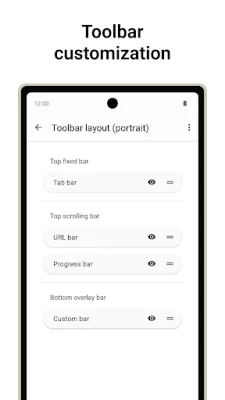
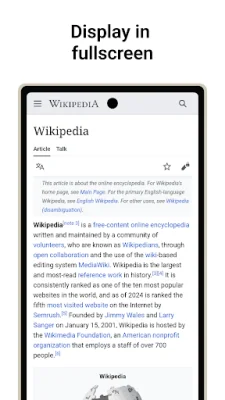
The user interface of this application allows for complete customization of the toolbar's display, position, and appearance. This means that users can personalize their toolbar to their liking, making it easier and more efficient to use. Additionally, the status bar and navigation bar can also be adjusted to optimize the use of the screen, providing a more seamless browsing experience.
The application also offers a wide range of actions that can be used, such as "back/forward", "open/close tabs", and "open menu". These actions can be assigned to toolbar buttons and gestures, allowing for quick and easy access to commonly used functions.
One of the key features of this application is its content blocker, which effectively blocks ads and tracking for a smoother browsing experience. Users can also add custom filters and domain rules to further personalize their content blocking.
For those concerned about privacy, this application offers the ability to manage location permissions, JavaScript, and other settings for each individual site. This allows for greater control over the information shared while browsing.
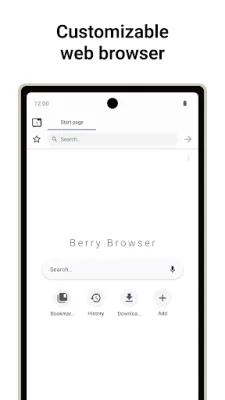
The start page of this application allows users to easily access their favorite sites and apps with just a tap. This saves time and makes it more convenient to navigate to frequently visited websites.
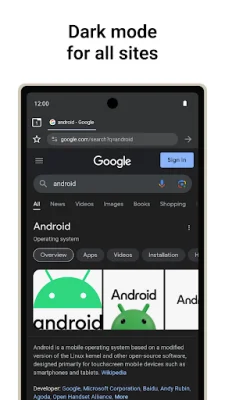
Another useful feature is the dark mode, which automatically displays websites in dark mode based on the app or device theme. This not only reduces eye strain but also helps to conserve battery life.
Lastly, the application offers a backup and restore feature, allowing users to save their settings and bookmarks to a file and share them across devices. This makes it easier to switch between devices without losing important data.
Rate the App















Popular Apps









