

BlackBerry Hub+ Contacts
2.2346.1.234602215 by BlackBerry Limited (0 Reviews) July 28, 2024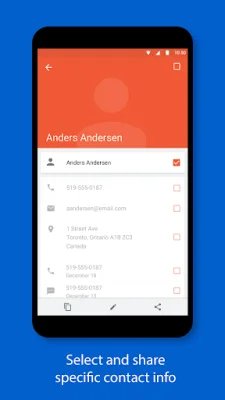

Latest Version
2.2346.1.234602215
July 28, 2024
BlackBerry Limited
Communication
Android
0
Free
com.blackberry.contacts
Report a Problem
More About BlackBerry Hub+ Contacts
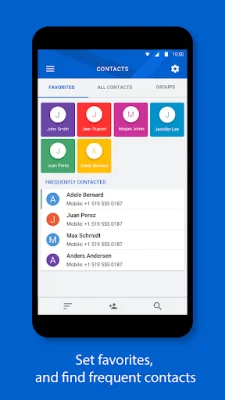
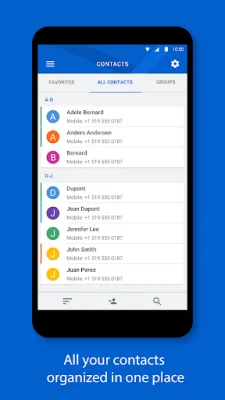
BlackBerry Hub+ Contacts is an application that allows users to seamlessly integrate their work and personal accounts for a more efficient and organized experience. It supports various email providers such as Gmail, Yahoo!, Office 365, and more, allowing users to access their local and synced contacts all in one place. Users can also remotely search their work directory address list directly from their device, making it easier to find and connect with colleagues.
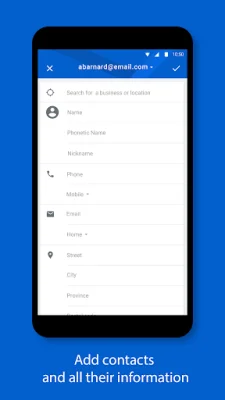
In addition to managing contacts, BlackBerry Hub+ Contacts also allows users to add new contacts and search for businesses or locations to add to their contact entries. One of the key features of this app is the ability to safely share contacts while protecting their personal data. Users have control over which information they share, ensuring the privacy and security of their contacts.
For a fresh and modern look, BlackBerry Hub+ Contacts offers a dark theme option. This gives users the ability to customize their experience and make it more visually appealing. The app also fully supports Android Enterprise deployment, allowing for strict data storage separation between personal and work contacts.
To use BlackBerry Hub+ Contacts, users must also have the BlackBerry® Hub+ Services app installed. This ensures a consistent experience across all BlackBerry® applications and manages subscriptions. The app is available for free on BlackBerry® devices.
For those without a BlackBerry device, the app offers a 30-day free trial with full functionality. After the trial period, users can purchase a monthly subscription to continue using BlackBerry Hub+ Contacts without ads. This subscription also grants access to other BlackBerry Hub+ apps, including Inbox, Calendar, Notes, Tasks, and Launcher. Enterprise customers can also visit a specific link for support. For more information and support, users can visit the app's website.
Rate the App















Popular Apps









