
Bluetooth File Transfer
5.67 by Medieval Software (0 Reviews) September 26, 2024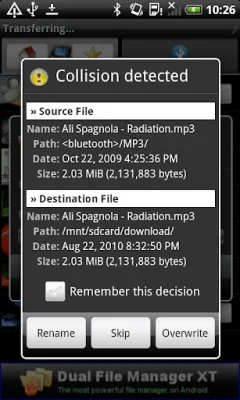
Latest Version
5.67
September 26, 2024
Medieval Software
Communication
Android
0
Free
it.medieval.blueftp
Report a Problem
More About Bluetooth File Transfer
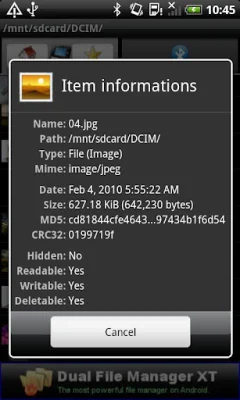
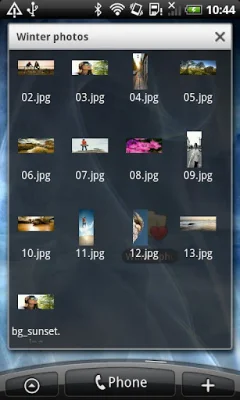
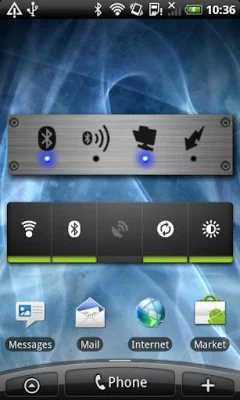
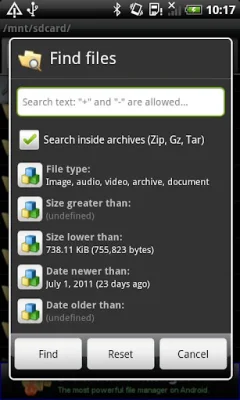
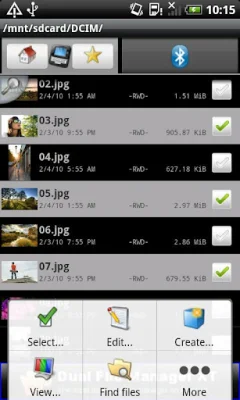
The GUIDE application, created by Absolutely Android, is a powerful and secure tool for managing files on your Android device. It offers a custom security manager for incoming Bluetooth connections, allowing only authorized devices to connect and protecting your personal data and privacy from hackers. It also supports legacy 2.0 and AES encryption for Zip files, keeping your private documents safe with a long password. One of the standout features of GUIDE is its fast and efficient file browser, which allows you to easily navigate and manage your files. The user interface is professional, clean, and customizable, making it easy to tailor the app to your specific needs. GUIDE also offers thumbnails for various file types, including APK, audio, video, and images, even within archive files. In addition to its file management capabilities, GUIDE also has the ability to connect to both new and old cellphones, including Nokia, Samsung, LG, and Sony devices. It also offers advanced search functionality, allowing you to search for files within Zip, GZ, and Tar archives. The app also has a feature for manipulating telephone numbers on generated VCARD files. Other useful features of GUIDE include the ability to cut, copy, move, paste, and delete multiple items, as well as the option to unhide or hide hidden media on both your smartphone and SD memory. It also offers a powerful bookmark feature and the ability to share single files or entire paths. Additionally, GUIDE has a cleaner program settings view and supports multiple languages. While GUIDE is a freeware app, it does contain advertising. However, users have the option to remove the ads by purchasing the "Medieval Licensing System" on the Android Market. It also does not require root access and offers power saving management and a streaming service. However, it should be noted that the SDPD (uuid port route) may not work on older Android versions, making it difficult for friend services to reach you. One frequently asked question about GUIDE is why it requires contact read permissions. The answer is that this permission is necessary in order to send your contacts over Bluetooth, for example to your car-kit or another smartphone. Overall, GUIDE is a comprehensive and efficient file management tool for Android devices, offering a range of features and customization options.
Rate the App















Popular Apps









