

Bluetooth Pair: Finder Scanner
1.1.5 by GoNext (0 Reviews) August 05, 2024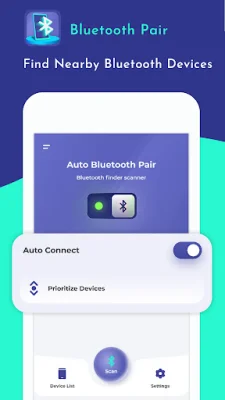
Latest Version
1.1.5
August 05, 2024
GoNext
Tools
Android
0
Free
com.gonext.bluetoothpair
Report a Problem
More About Bluetooth Pair: Finder Scanner
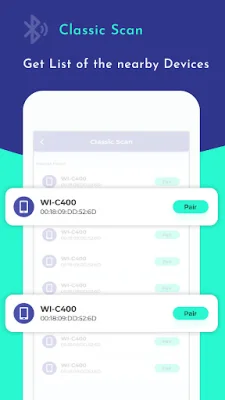
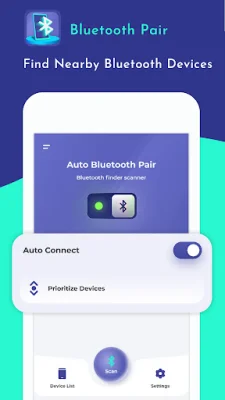
This app is designed to help you easily manage all your Bluetooth pairing needs. It has three main features that make it quick and simple to use. The first feature is the Classic Scan Devices function, which allows you to filter your search for Bluetooth devices. This means you can easily find and pair with devices such as headsets, audio speakers, and other phone devices. This feature is especially useful if you have multiple Bluetooth devices and want to connect to a specific one.
The second feature is Trusted Devices, which gives you a list of all your trusted devices. These are devices that you have previously paired with, such as speakers, headsets, or watches. By using this feature, you can easily connect to only your trusted devices, ensuring a secure and reliable connection. This is particularly helpful if you have a lot of paired devices and want to quickly connect to a specific one.
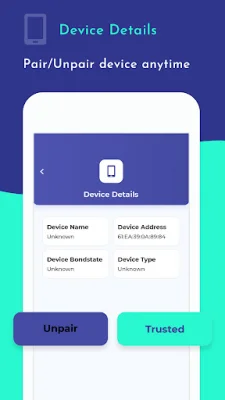
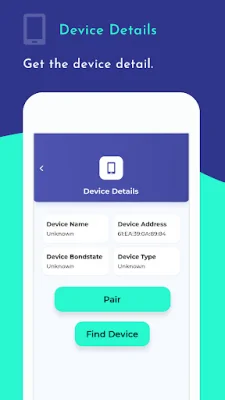
The third feature is Paired Devices, which displays a list of all the devices that are already paired with your phone. From this list, you can easily connect or unpair devices as needed. This feature is great for managing your paired devices and keeping your Bluetooth connections organized.
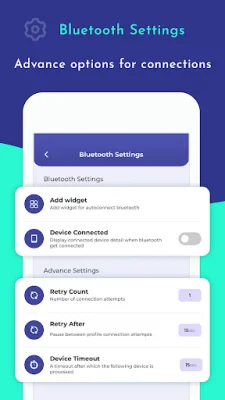
Overall, this app is a convenient solution for all your Bluetooth pairing needs. It requires three permissions to function properly: BLUETOOTH, BLUETOOTH_ADMIN, and ACCESS_FINE_LOCATION. These permissions allow the app to enable and disable Bluetooth, gather data about Bluetooth, and scan for devices. With this app, you can easily manage your Bluetooth connections and ensure a smooth and hassle-free experience.
Rate the App















Popular Apps









