

Boosteroid Cloud Gaming
by Boosteroid (0 Reviews) September 18, 2024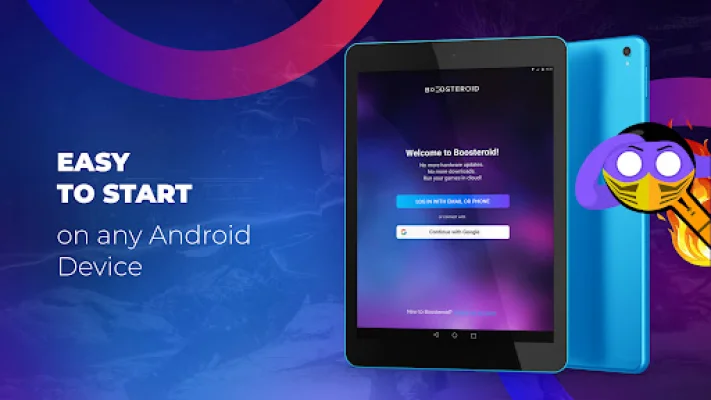
Latest Version
September 18, 2024
Boosteroid
Entertainment
Android
0
Free
com.boosteroid.streaming
Report a Problem
More About Boosteroid Cloud Gaming
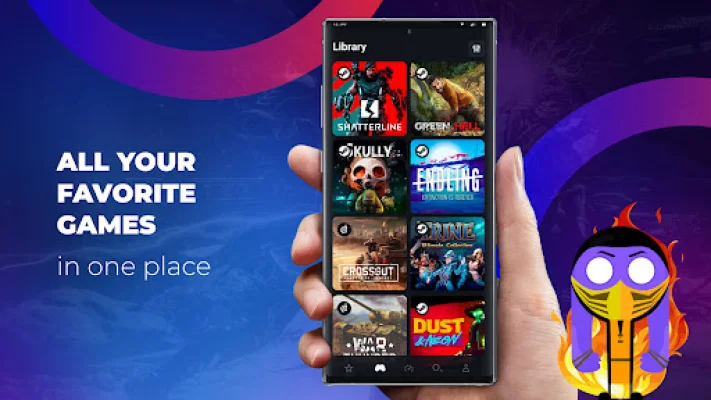
Boosteroid is an innovative cloud gaming application that allows users to seamlessly switch between devices without losing their in-game progress. This means that you can start playing a game on one device and continue on another without any interruptions or setbacks. All you have to do is launch a cloud gaming session on your desired device and you're good to go!
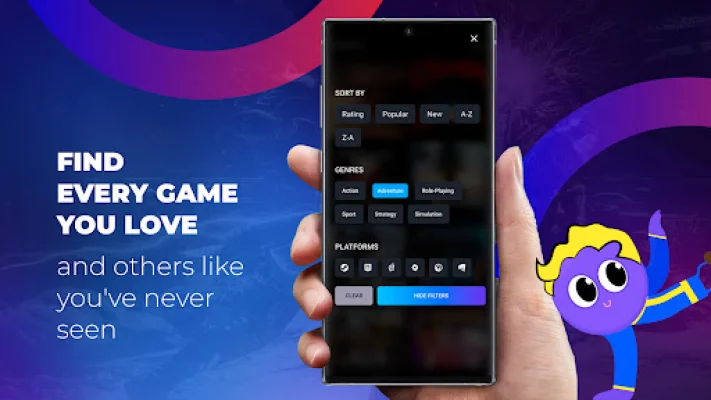
One of the best things about Boosteroid is that it doesn't limit your gaming time. With each subscription, you have access to 24/7 Full HD gaming and the full library of games. This means that you can play as much as you want, whenever you want, without any restrictions.
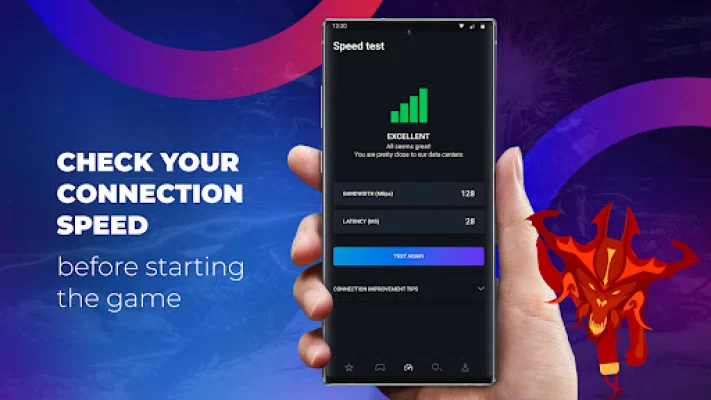
In order to have the best gaming experience on your smartphone, it is recommended to have a minimum of 13 Mbps internet speed. If you are using Wi-Fi, it is important to make sure that there are not too many devices connected to it at the same time. It is also recommended to use a 5GHz Wi-Fi for optimal performance.
It is important to note that keyboard and mouse are not supported on Boosteroid. Instead, an overlay controller will appear on your screen once you launch a game. However, you can also connect a gamepad for a more traditional gaming experience. Please keep in mind that games without gamepad support will not be available on the app.
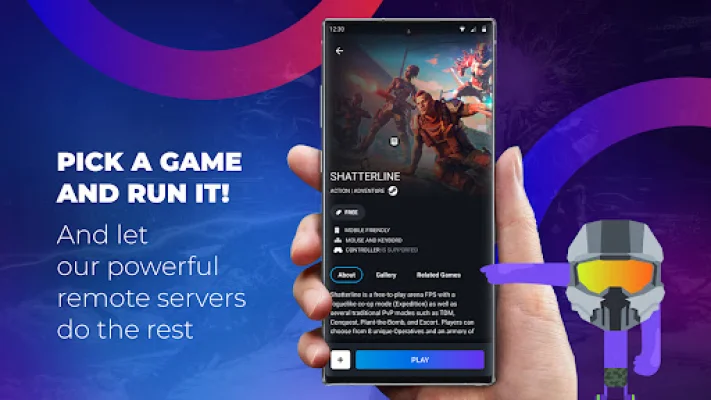
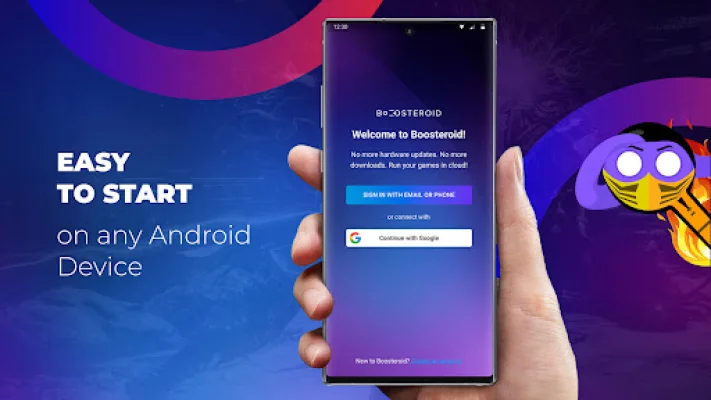
Lastly, it is necessary to use your account with a relevant game platform in order to launch a game on Boosteroid. This means that you will need to have an account with the game's platform, such as Steam or Epic Games, in order to access and play the game on Boosteroid. It is also important to note that devices with Adreno 6xx mobile GPUs may experience difficulties running the app.
Rate the App













Popular Apps









