
Build Your Own R2-D2
1.1.31_release by De Agostini Publishing S.p.A. (0 Reviews) November 10, 2025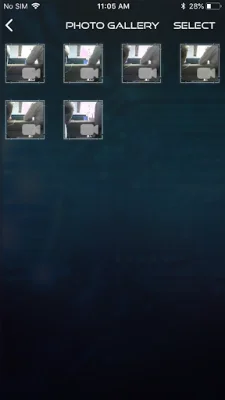
Latest Version
1.1.31_release
November 10, 2025
De Agostini Publishing S.p.A.
Entertainment
Android
0
Free
com.bullb.r2d2
Report a Problem
More About Build Your Own R2-D2
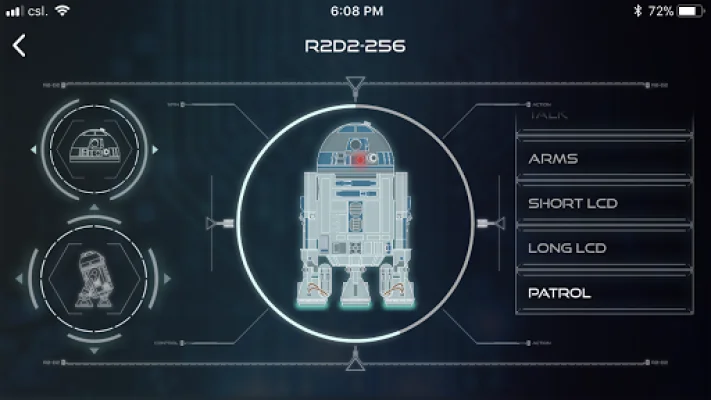
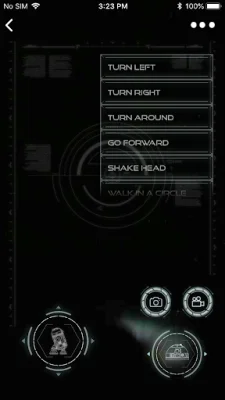
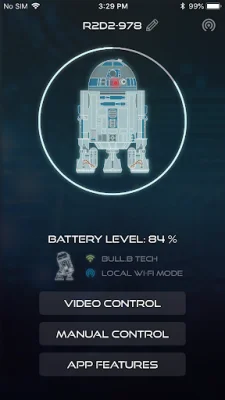
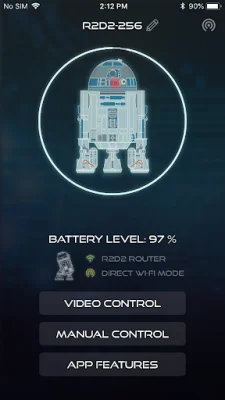
In this application, you have the option to connect to R2-D2 in either Video or Normal Control mode. When using Video Control, your smartphone screen will display the view from R2-D2's camera, allowing you to see his surroundings as you drive him around or turn his head. You can also capture still pictures or video from his perspective and save them in the app's Gallery or your phone's library. Additionally, there is a menu of automatic routines that you can choose from, such as setting R2-D2 to explore his surroundings on his own, activating his lights and sounds, ejecting a lightsaber, or playing video clips from his projector.
On the other hand, Normal Control mode allows your smartphone to function as a traditional remote control, giving you the ability to watch as you direct R2-D2 around his environment. This mode also provides access to the same automatic routines as Video Control.
Furthermore, the application includes a Settings control that allows you to enable voice control, allowing R2-D2 to respond to a variety of spoken commands. You can also turn on facial recognition, which enables R2-D2 to detect and follow human faces in his surroundings. Additionally, you have the option to turn R2-D2's sound effects on or off.
In summary, this application offers a unique and interactive way to control and interact with R2-D2. Whether you prefer to see things from his perspective or direct him from a distance, this app provides a variety of features and options to enhance your experience with the beloved droid. With the added bonus of voice and facial recognition, this app truly brings R2-D2 to life and allows for endless possibilities for play and exploration.
Rate the App











Popular Apps









