
Calculator - hide photos
10.8.1 by FishingNet (0 Reviews) August 20, 2024

Latest Version
10.8.1
August 20, 2024
FishingNet
Tools
Android
0
Free
com.hld.anzenbokusufake
Report a Problem
More About Calculator - hide photos
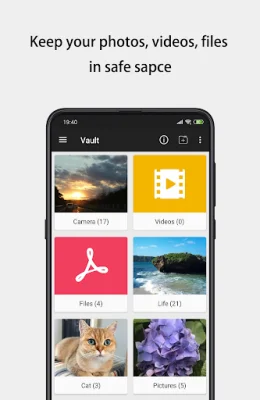
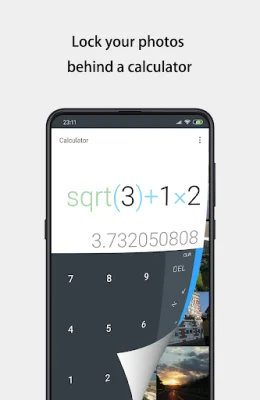
Sgallery is a privacy protection app that allows users to hide and encrypt their photos, videos, and other files. It is a disguised version of the Sgallery app and is specifically designed for users who have a higher demand for privacy security. This app can be accessed through a long press on the "Calculator" title or by entering a PIN and pressing "=" (if the Time PIN unlock mode is set). It also supports fingerprint access for devices that have it recorded.
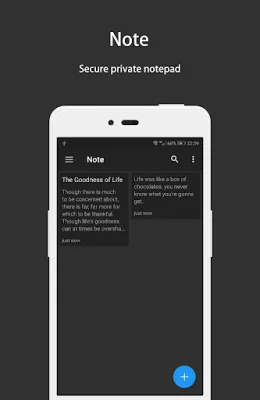
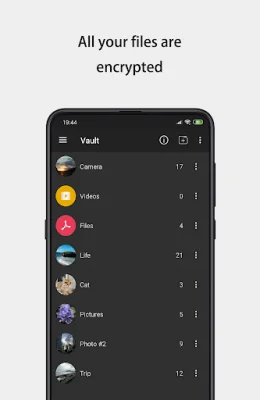
The app has a vault feature that uses the AES encryption algorithm to encrypt any content that the user does not want to share with others. This includes photos, videos, and even notes. The app also has a built-in private browser for safe browsing and downloading of photos from the web. It leaves no tracks in the system and keeps the user's browsing history private.
Sgallery also has a feature that allows users to hide the app icon, making it even more discreet. The app can be quickly closed by shaking the phone, giving the user complete control over their privacy. It also has an "Intruder Selfie" feature that takes a photo of anyone who tries to break into the app.
In addition, Sgallery has a "Fake Vault" feature that allows users to create a fake vault with a different password. This can be used to store fake photos and videos, providing an extra layer of protection. The app also has a fingerprint unlock feature for faster and more secure access.
If a user forgets their password, they can click the "Forgot Password" button on the unlock password interface. To open the app, they can long press the "Calculator" title. However, if the user has turned on the "Prohibit Unlocking by Long Press Title" switch, they can access the app through a system browser or by dialing a specific number on their phone. More information and FAQs can be found on the app's GitHub page.
Rate the App















Popular Apps









