

Capital One Mobile
6.10.8 by Capital One Services, LLC (0 Reviews) July 27, 2024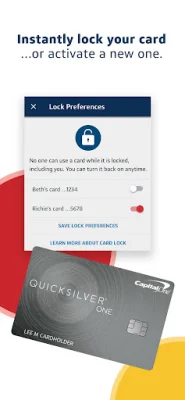
Latest Version
6.10.8
July 27, 2024
Capital One Services, LLC
Finance
Android
0
Free
com.konylabs.capitalone
Report a Problem
More About Capital One Mobile
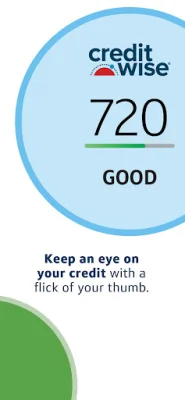
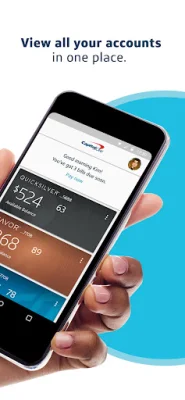
The Capital One Mobile app allows you to easily manage your finances whether you're on the go or at home. With this app, you can view your account balances and export statements, pay bills and manage loans, and keep track of your credit with CreditWise. You can also activate your credit or debit card when needed, redeem rewards, and send and receive money with friends and family using Zelle®.
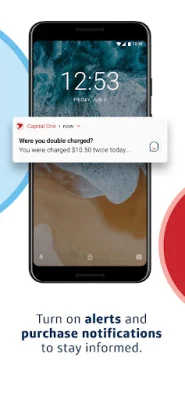
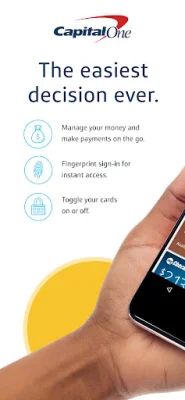
One of the key features of the Capital One Mobile app is the ability to stay informed through alerts and purchase notifications. You can also see detailed transactions on your card and instantly lock your credit or debit card from anywhere. Additionally, the app features Eno, your Capital One assistant, who can provide answers to your questions.
To use the Capital One Mobile app, you will need internet access. It's important to check with your internet service provider for any fees or charges that may apply. Please note that service outages may occur and it is the responsibility of Capital One customers to regularly check their account statements.
In order to receive push, email, and SMS alerts and notifications, including purchase notifications, you must enable them in the app. It's also important to note that CreditWise monitoring and alerts may not be available if the information you provide during enrollment does not match the information in your credit file or if you do not have a credit file with one or more consumer reporting agencies.
While the Capital One Mobile app offers a variety of features, not all of them may be available to all customers. It's important to check the app for specific details and limitations. Actual experiences may also differ from those depicted in the app. Additional terms and limitations may apply.
The Capital One Mobile app is owned by Capital One, N.A. and is a member of FDIC. The app also features Zelle, a service that allows you to send and receive money with friends and family. Zelle and the related marks are owned by Early Warning Services, LLC and are used under license. To learn more about the terms of your download, please check out the End User License Agreement at https://www.capitalone.com/digital/mobile/android-eula/.
Rate the App















Popular Apps









