
Cast for Chromecast & TV Cast
323 by iKame Applications - Begamob Global (0 Reviews) August 07, 2024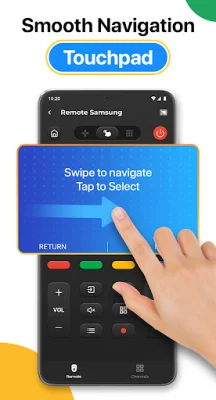

Latest Version
323
August 07, 2024
iKame Applications - Begamob Global
Tools
Android
0
Free
com.casttv.castforchromecast.screencast
Report a Problem
More About Cast for Chromecast & TV Cast
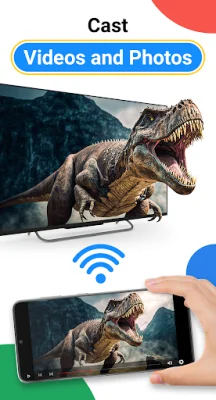
Cast for Chromecast & TV Cast is an application that allows you to share and stream content from your phone to a bigger screen, such as a smart TV, using the same Wifi connection. It offers high-quality and real-time streaming, making it perfect for displaying photos, videos, games, and other apps on a larger screen. With this app, you can also easily search and stream your favorite TV shows on your Chromecast TV through screen mirroring. Additionally, it assists in mirroring your phone screen on a smart TV, enabling you to do fitness exercises or present presentations on a larger reflective screen.
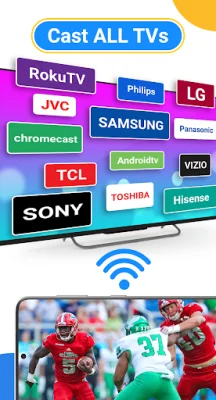
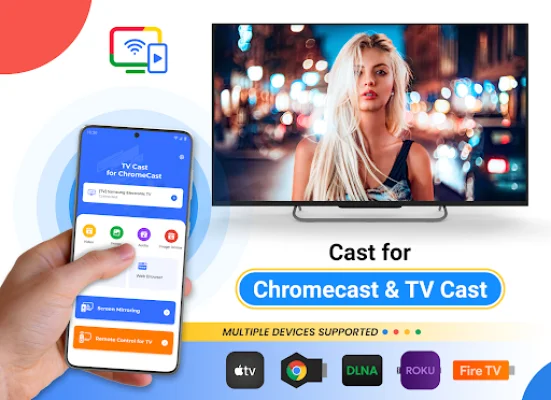
One of the key features of Cast for Chromecast & TV Cast is its ability to provide fast and stable streaming of trending movies and the best music on TV. It also allows you to mirror your phone screen on various smart TV brands, including Chromecast, Roku, Fire TV, Xbox, Samsung, and LG TV. This app makes it incredibly easy to stream videos and photos directly from your phone to your TV.
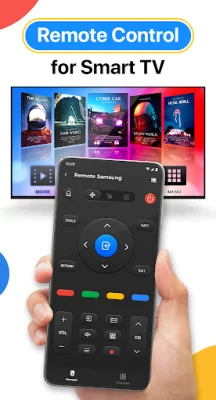
To use Cast for Chromecast & TV Cast, your phone and smart TV must be connected to the same Wifi network. You also need to enable Wireless Display and Miracast on your TV. Once connected, you can control your smart TV using your phone, including adjusting the volume and navigating through content. You can also cast directly from popular apps like Youtube, Google Photos, and web browsers to your Chromecast or smart TV.
This app supports a wide range of devices, including Chromecast, Roku, Fire TV, Xbox, and various smart TV brands like Sony, Samsung, and LG. It is not affiliated with or endorsed by Google or any other brands. If you need any support, you can contact the app's creators at [email protected]. They strive to provide original and SEO-oriented support to their users.
Rate the App















Popular Apps









