Cast to TV: Screen Mirroring
1.5 by Bamboo Gaming (0 Reviews) September 26, 2024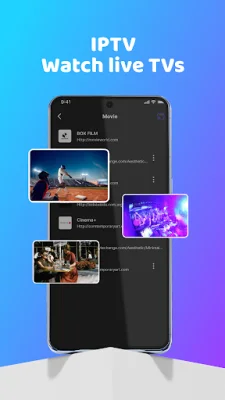
Latest Version
1.5
September 26, 2024
Bamboo Gaming
Tools
Android
0
Free
com.bamboo.casttotv.mirroring.chromecast
Report a Problem
More About Cast to TV: Screen Mirroring
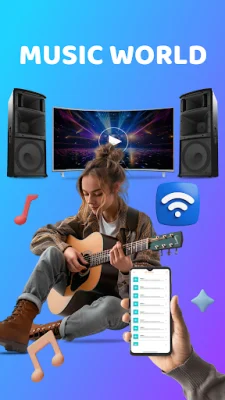
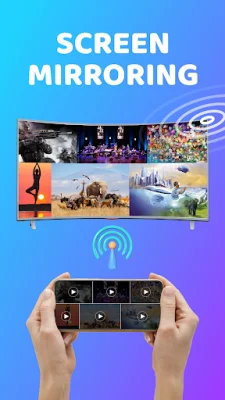
Cast to TV: Screen Mirroring is an app that allows you to easily mirror your smartphone or tablet screen to a compatible TV. It offers a simple, fast, and reliable way to cast your favorite movies, music, and presentations across various devices. With this app, you can take control of your entertainment experience and enjoy real-time screen mirroring with just a few taps.
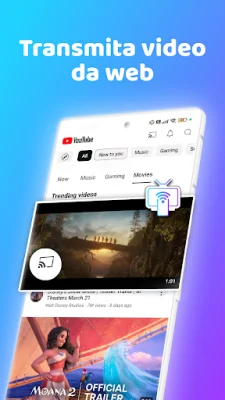
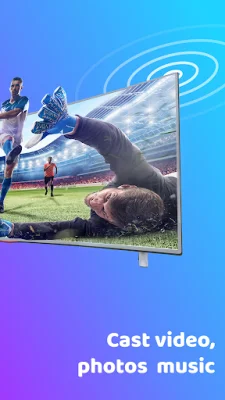
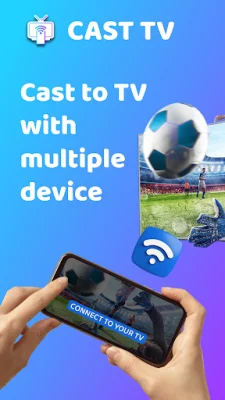
One of the main reasons to choose Cast to TV is its effortless screen casting feature. You can mirror your phone's display to any compatible TV in seconds, making it perfect for streaming videos, sharing photos, playing games, and using apps. This app also offers comprehensive device support, so you can connect to multiple platforms such as Chromecast, Smart TVs, Roku, Xbox, and Amazon Fire Stick.
In addition to its easy connectivity, Cast to TV also provides high-quality streaming with crystal-clear screen mirroring and high-resolution video playback. This makes it ideal for watching movies, displaying photos, and playing mobile games on a larger screen. Plus, you can use your smartphone as a remote to control media on your TV, making it convenient and user-friendly.
Cast to TV is not just for entertainment purposes, it also has business-friendly features. Professionals can use this app to display presentations, slideshows, and demos on a larger screen, making meetings and conferences more interactive and engaging.
The app offers a universal casting feature, allowing you to cast your phone's display to various devices such as Smart TVs, Chromecast, Roku, Apple TV, and more. It also has a one-tap connection, making it quick and easy to connect your phone and TV to the same Wi-Fi network. You can also enjoy a smooth gaming experience with no lag, turning your smartphone into a powerful gaming console.
To use Cast to TV, you need to ensure that your TV supports Wireless Display or has a compatible Display Dongle. Both your phone and TV should also be connected to the same Wi-Fi network. Once you launch the app, simply follow the on-screen instructions and tap "Start Mirroring" to begin casting your phone's display to the TV.
Before using the app, make sure your VPN is disabled to ensure a stable connection. It's also important to note that your phone and TV should be on the same Wi-Fi network. With its user-friendly interface and support for multiple formats, Cast to TV makes it easy to cast photos, videos, music, and even web browsers to your TV for a versatile entertainment experience.
In conclusion, Cast to TV: Screen Mirroring is a hassle-free solution for connecting your phone to your TV. It offers a seamless way to enjoy media on the big screen, whether you're watching movies, sharing photos, or giving presentations. Download Cast to TV now and elevate your entertainment experience!
Rate the App











Popular Apps









