Cast to TV - Screen Mirroring
13.5.5 by iKame Applications - Begamob Apps (0 Reviews) November 16, 2025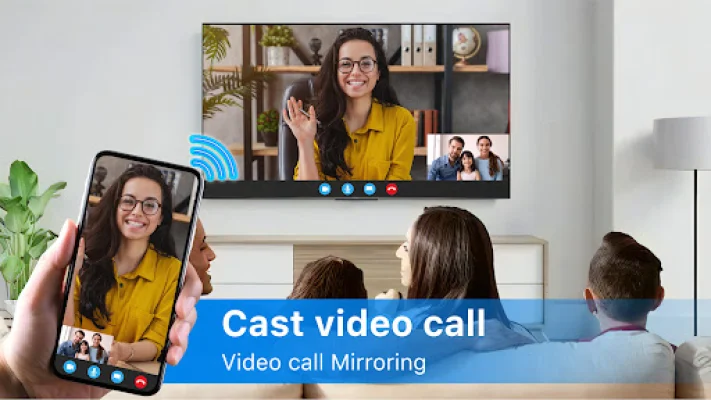
Latest Version
13.5.5
November 16, 2025
iKame Applications - Begamob Apps
Tools
Android
0
Free
com.casttotv.screenmirroring.mirroring.miracast
Report a Problem
More About Cast to TV - Screen Mirroring
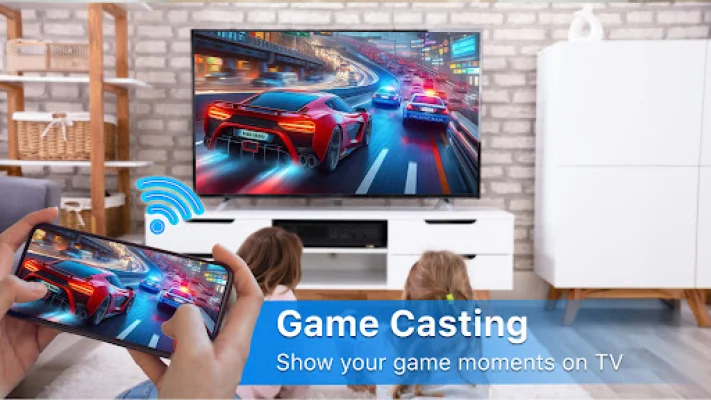
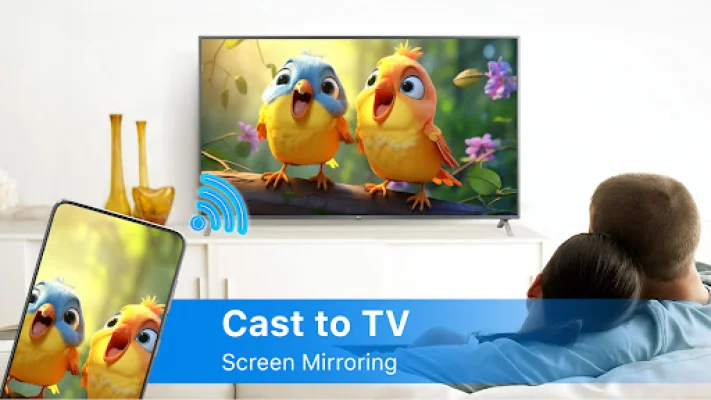
Cast to TV - Screen Mirroring is an app that allows you to mirror your smartphone screen onto your TV in high quality. This means you can easily stream videos, music, photos, and other content from your phone to your large TV screen. With this app, you can quickly and reliably cast content from your phone or tablet to your TV.
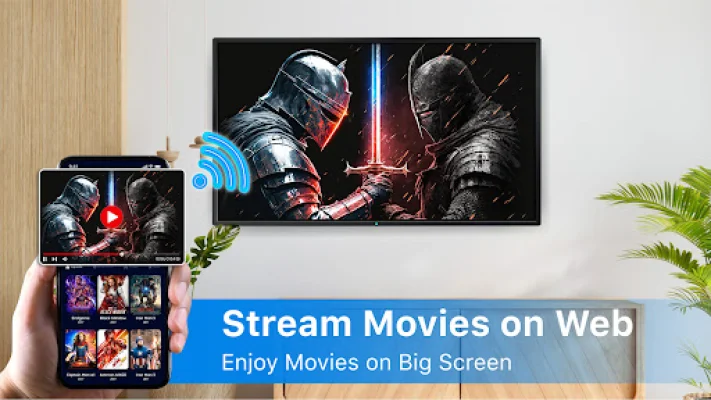
By connecting your phone to your TV using the Cast to TV - Screen Mirroring app, you can easily stream movies from your phone to your TV. This app also helps you scan and mirror your Android phone or tablet screen onto a smart TV.
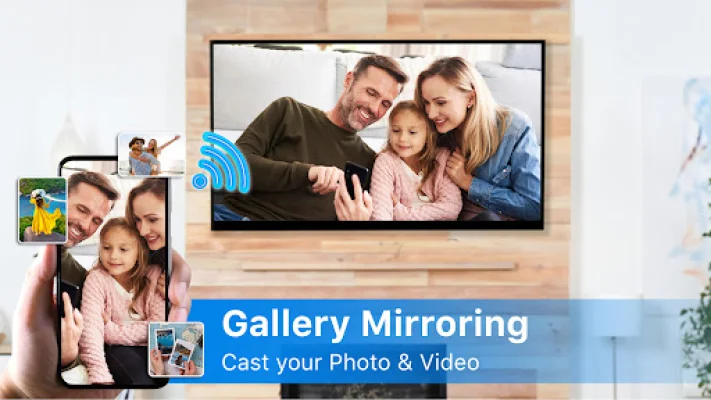
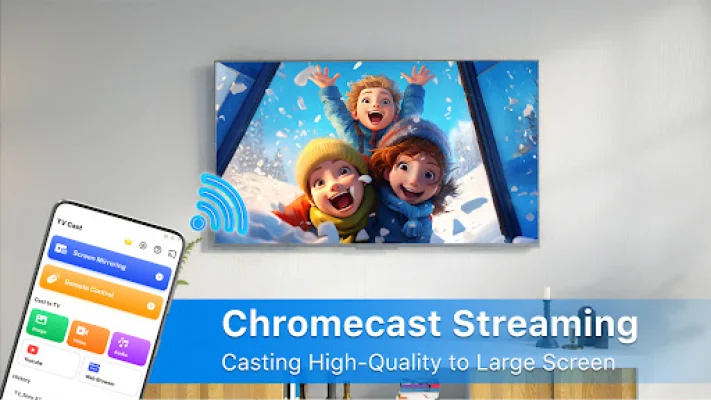
You can use Cast to TV to cast local and web videos, music, and photos to a variety of devices such as Chromecast, RokuTV, Amazon FireTV, Xbox, Apple TV, and other DLNA devices. This means you can stream your favorite content on your TV right now by simply casting it.
The app also offers a variety of features, including simple phone control of TV functions like volume and playback, the ability to add local media to a play queue, and the option to play media in shuffle, loop, or repeat mode. It is designed for video, music, and photo casting, making it a versatile and convenient tool for streaming content to your TV.
Using Cast to TV - Screen Mirroring is easy. Simply make sure your TV supports wireless display or display dongles, connect your TV to the same Wi-Fi network as your phone, launch the app, and connect it to your TV. Then, tap the "Screen Mirroring" button and select "Start Mirroring" to begin casting. Before you start, make sure your VPN is turned off and your TV is connected to the same Wi-Fi network as your phone.
Disclaimer: This app is not affiliated with Google or any other mentioned brands, and is not an official product of any of these brands. It is a fast and effective way to mirror your phone screen onto your TV, making it perfect for streaming videos, music, and more.
Rate the App










Popular Apps









