
Cast to TV: Screen Mirroring
2.2 by EZ Application (0 Reviews) December 10, 2025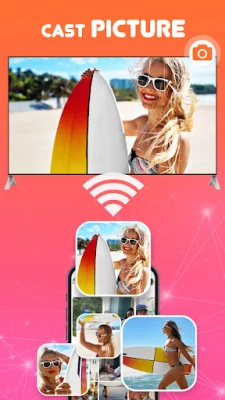
Latest Version
2.2
December 10, 2025
EZ Application
Tools
Android
0
Free
com.smartcast.casttotv.screenmirror.mirroringcast.chromecast
Report a Problem
More About Cast to TV: Screen Mirroring
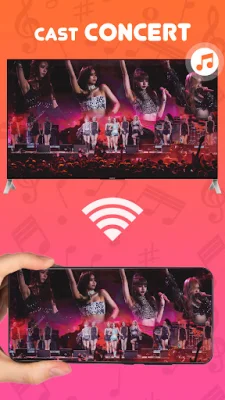
The Cast for Chromecast app offers a variety of features that allow you to easily cast videos, music, and even your display to your television. With the remote control feature, you can control your TV using your phone, making it convenient to adjust the volume, pause, and rewind without having to use the TV remote. This app is not only great for personal use, but also for professionals who want to share presentations or families who want to view photos together on a larger screen.
The app has an easy-to-use interface and automatically recognizes media files on your device, making it simple to cast to your TV. To use the Cast to TV feature, you need to ensure that your TV supports Wireless Display or Display Dongles and is connected to the same Wi-Fi network as your phone. Then, you can download the Clever View Screen Mirroring app and use the web to caster feature to cast your phone to your TV.
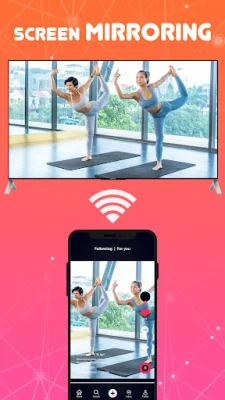
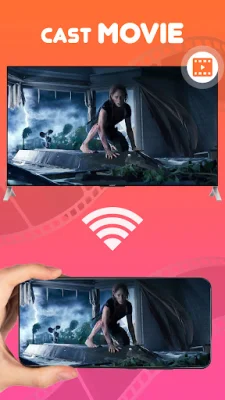
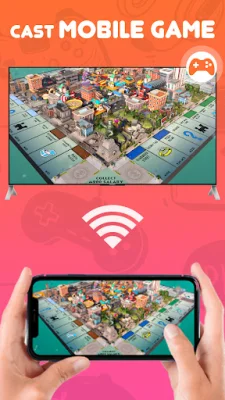
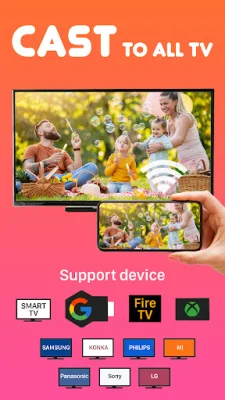
Cast to TV - Screen Mirroring allows you to mirror your smartphone screen to your TV in high quality. This means you can stream videos, music, photos, and other content to your TV with ease. The app has a simple and fast connection process, making it easy to cast your mobile games to your TV as well. The user interface is designed to provide a good experience and the app is fast and easy to use. It also supports multiple devices, including Chromecast, Smart TVs, Xbox, Amazon Fire TV, Apple TV, Roku, and other DLNA receivers.
Before using the app, make sure your TV supports Wireless Display or Display Dongles and is connected to the same Wi-Fi network as your phone. Then, simply launch the app and connect it to your TV. You can then tap the "Screen Mirroring" button and select "Start Mirroring" to begin casting. It's important to note that before connecting the device, you should turn off any VPNs for a smoother experience.
In conclusion, Cast to TV - Screen Mirroring is a highly effective and convenient way to cast your phone to your TV in real-time. Whether you want to watch videos, play games, or share presentations, this app has got you covered. So if you're looking to cast video from your Android device to your TV, give Cast to TV - Screen Mirroring a try for a seamless and high-quality experience.
Rate the App












Popular Apps









