

CastNow - Mirroring Cast to TV
by NEOWAVE SYSTEMS LLC (0 Reviews) May 12, 2026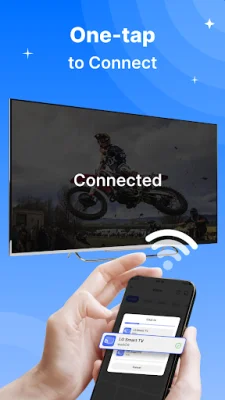
Latest Version
May 12, 2026
NEOWAVE SYSTEMS LLC
Tools
Android
0
Free
com.nws.tv.screenmirroring.cast
Report a Problem
More About CastNow - Mirroring Cast to TV
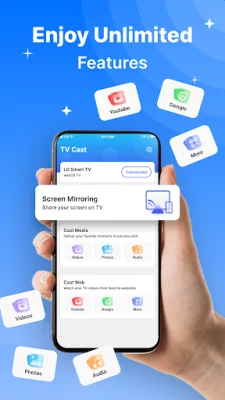
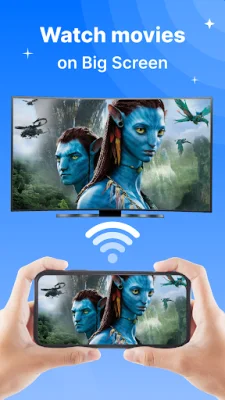
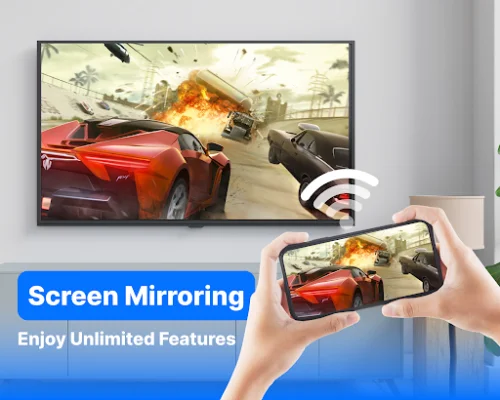
CastNow is an application that allows you to turn your Android phone into a big screen experience by mirroring and casting your phone screen to a Smart TV. This means that you can easily and wirelessly share videos, photos, apps, presentations, and more from your phone onto your TV for a better viewing experience.
The app has several key features that make it a convenient and user-friendly option for screen mirroring and casting. Firstly, it allows you to mirror your Android screen to a Smart TV in real time. This means that whatever is displayed on your phone screen will be mirrored onto your TV screen simultaneously.
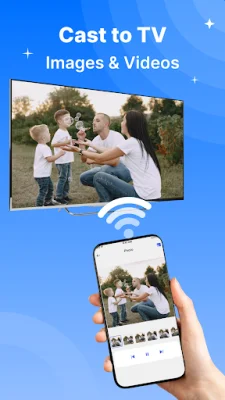
In addition to screen mirroring, CastNow also allows you to cast videos, photos, and other media from your phone onto your TV. This means that you can enjoy your favorite movies, videos, photos, and music on a larger screen for a more immersive experience.
Another useful feature of CastNow is its ability to directly share apps, games, slides, and browsing content from your phone to your TV. This eliminates the need for cables and complicated setup, making it a fast and convenient option for casting.
The app is also compatible with a wide range of devices, including most Smart TVs, Android TVs, and DLNA devices. This means that you can use CastNow with multiple devices, making it a versatile option for screen mirroring and casting.
Lastly, CastNow has a simple and user-friendly interface that makes it easy for everyone to use. All you need to do is make sure your phone and TV are connected to the same Wi-Fi network, open the app, select your TV device, and start mirroring or casting instantly. With CastNow, you can easily turn your phone into a big screen experience and enjoy your favorite content on a larger screen.
Rate the App














Popular Apps









