
CDR File Viewer and Converter
11.0 by VD Prime (0 Reviews) April 11, 2026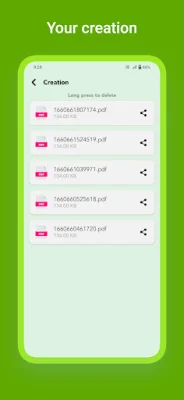
Latest Version
11.0
April 11, 2026
VD Prime
Tools
Android
0
Free
com.vdprime.cdrviewerandconverter
Report a Problem
More About CDR File Viewer and Converter
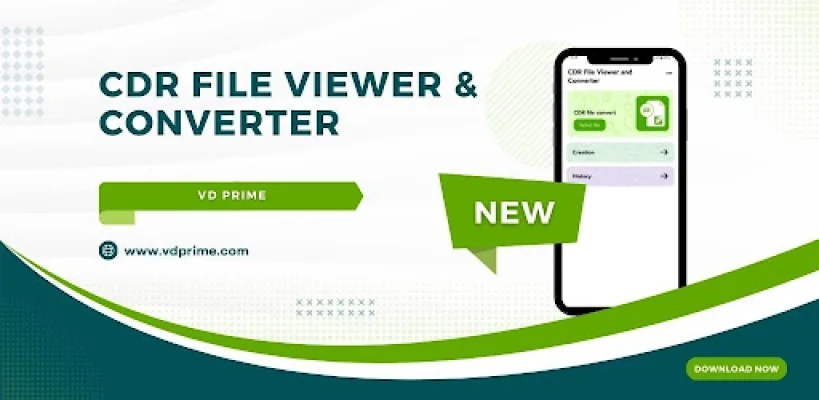
The CDR File Viewer and Converter is a free mobile application that allows users to view and convert CorelDRAW (.cdr) files on their mobile devices. This technology tool is fast and powerful, providing users with a high-quality viewing and conversion experience. The app also offers the convenience of being able to view and convert files offline, making it a useful tool for those who need to access CDR files on the go.
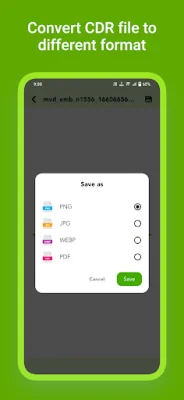
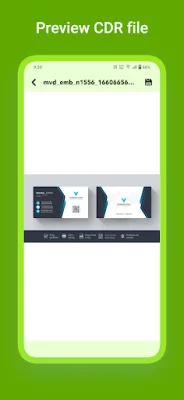
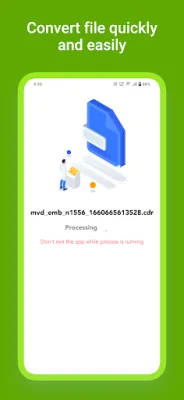
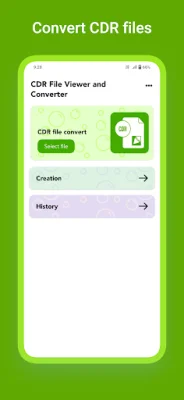
To use the CDR File Viewer and Converter, users simply need to select a file from their device's dashboard and wait for the processing to be completed. Once the file is processed, it can be viewed on the app's preview screen. Users can then choose to convert the file into PDF, PNG, JPG, or WEBP format by clicking the save button on the top right side of the screen. The converted file will then be saved in the app's creation section.
The main features of the CDR File Viewer and Converter include the ability to convert .cdr files to various formats, such as PNG, JPG, WEBP, and PDF, with excellent conversion quality. There is no limit on the number of files that can be converted, and users can easily pinch to zoom in for a larger preview. The app also allows users to open CDR files from anywhere and share converted files within the application. Additionally, users can print a PDF file directly from the preview screen.
One of the key benefits of using the CDR File Viewer and Converter is the secure handling of files. All files are automatically deleted from the server within 24 hours, ensuring the privacy and security of user data. The app also offers a contact option for users to submit feature requests for future versions of the app. Users can email their suggestions to [email protected], and the developers encourage original and SEO-oriented ideas.
In summary, the CDR File Viewer and Converter is a convenient and efficient tool for viewing and converting CorelDRAW files on mobile devices. With its user-friendly interface and various features, it provides a seamless experience for users who need to access and work with CDR files on the go.
Rate the App














Popular Apps









