

Central Bank - Business
06090000.8.0 by Central Bancompany (0 Reviews) August 28, 2024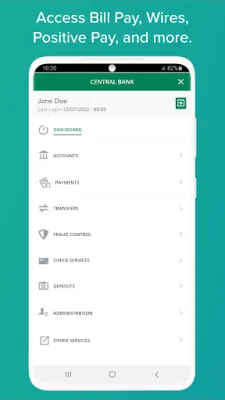
Latest Version
06090000.8.0
August 28, 2024
Central Bancompany
Finance
Android
0
Free
com.dragonflyft.uobapp.centralbank
Report a Problem
More About Central Bank - Business
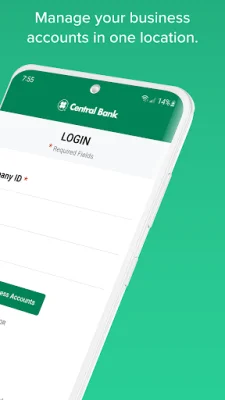
The Business Banking app offers a variety of features to help manage your business finances. With biometric login, you can securely access your accounts using Face ID or Touch ID. This adds an extra layer of protection to your sensitive financial information.
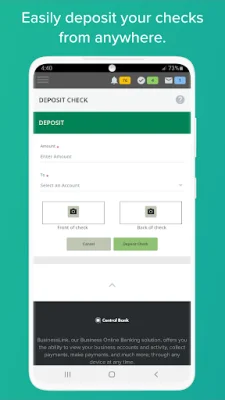
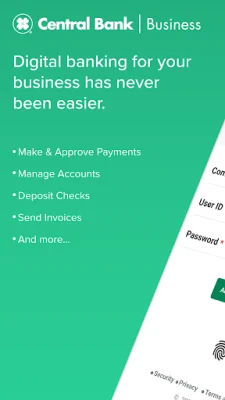
One convenient feature is the Business Mobile Check Deposit, which allows you to deposit funds into your account by simply taking a picture of your check. This eliminates the need to physically go to a bank or ATM to deposit checks.
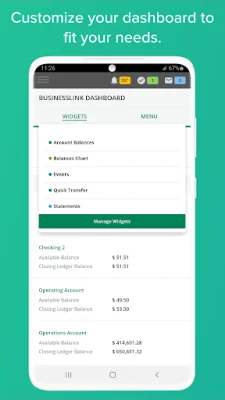
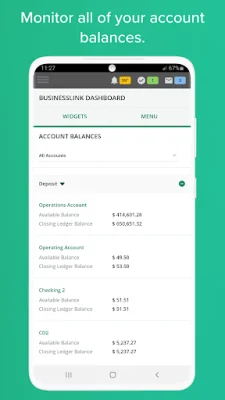
The app also provides account management tools, allowing you to easily view your balances, account information, and activity. You can also retrieve images of checks that you have sent or deposited, making it easier to keep track of your transactions.
For enhanced fraud protection, the app allows you to monitor all of your financial accounts and cash flow activities. You can set controls on payees and payments, and even have secondary user approval for added security.
By going paperless, you can view up to seven years of statement history directly on the app. This helps reduce clutter and makes it easier to access your financial information.
The app also allows you to manage your funds by approving wire transfers and ACH payments. You can also make loan payments and view balances for installment loans, mortgage loans, and lines of credit.
To stay updated on your account activity, you can set up account alerts for pending deposits, account benchmarks, overdrawn accounts, and transactions over a specific amount.
For the best experience, the app works best on devices with Android version 8.0 and up. If you are using an older version, you may not have access to all the features. In this case, you can still access the app's mobile-friendly website through your device's browser.
It's important to note that the app is free to use, but data and text rates from your mobile carrier may apply. Terms and conditions also apply. With the Business Banking app, managing your business finances has never been easier.
Rate the App














Popular Apps









