

City Bank Personal
by City Bank (0 Reviews) December 03, 2025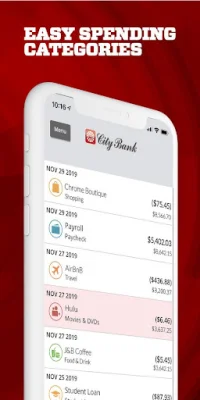
Latest Version
December 03, 2025
City Bank
Finance
Android
0
Free
com.citybank336202.mobile
Report a Problem
More About City Bank Personal
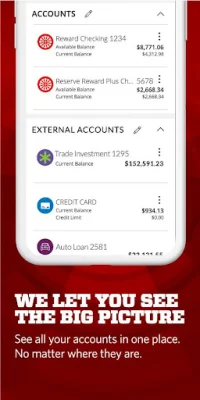
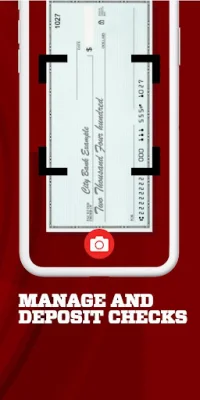
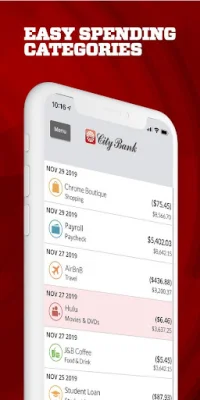
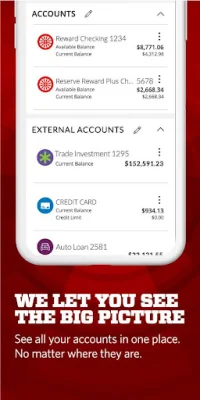
The City Bank mobile app allows customers to easily manage their accounts and finances on-the-go. With a variety of features, users can view balances for their City Bank accounts, loans, CDs, and more. They can also search and view transaction history, control their City Bank Debit Card by turning it on or off, and increase their ATM daily limit and daily point of sale. Additionally, customers can transfer funds between City Bank accounts and external accounts, deposit checks using Mobile Remote Deposit Capture, and view check images and statements. The app also offers a Spanish language feature for those who prefer to use it.
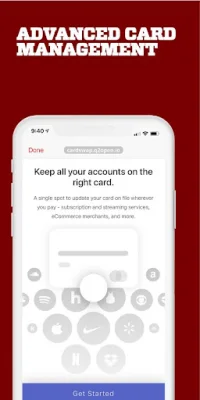
One of the unique features of the City Bank app is the ability to update your debit card with subscription services automatically through Card Swap. This makes it easier for customers to manage their recurring payments and subscriptions. They can also view and manage their City Bank credit cards, reorder checks, and locate the nearest City Bank branch or ATM for their convenience.
The app also prioritizes the safety and security of its users' data. City Bank utilizes multi-layered security and state-of-the-art encryption to ensure that all transactions are fast, safe, and secure. This gives customers peace of mind when managing their finances through the app.
To get started, customers simply need to download the app and log in with their online banking username and password. However, some features may only be available for eligible customers and a data plan is required to access the app and its features. The app also requires GPS services to be enabled for the location finder feature. City Bank is a member of FDIC and an Equal Housing Lender. The app is available for iPhone users and is compatible with Apple devices.
Rate the App















Popular Apps









