

Citytouch
9.0.0 by City Bank PLC (0 Reviews) November 15, 2025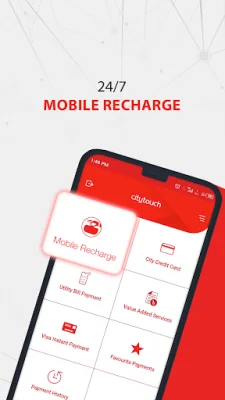
Latest Version
9.0.0
November 15, 2025
City Bank PLC
Finance
Android
0
Free
com.thecitybank.citytouch
Report a Problem
More About Citytouch
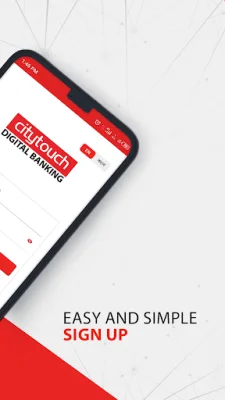
If you're looking to access your City Bank accounts on-the-go, look no further than the Citytouch mobile app. Available for download on Google Play and the Apple app store, this app offers a convenient and secure way to manage your finances. It's important to note that the app should only be downloaded from these official sources and not from any other websites. Additionally, Citytouch can also be accessed through their website, https://www.citytouch.com.bd/.
The app offers a variety of features to make banking easier and more efficient. With the "My Accounts" feature, you can view detailed information about your transactions, deposits, loans, and term deposits. You can also tag specific accounts for easier organization and download your account statements for record-keeping purposes.
The "General Banking" feature allows you to open fixed deposits and deposit pension schemes, as well as request pay orders and positive pay instructions. You can also request a new cheque book or stop a cheque, inquire about interest rates, and view the schedule of charges. This feature also provides details about Citytouch products and services, as well as customer information and transaction history.
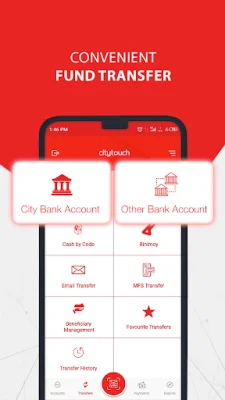
With the "Transfers" feature, you can easily transfer funds to any bank account within the country using BEFTN, RTGS, or NPSB. You can also withdraw cash without a card using the Cash by Code service, make payments using Citypay QR codes, and schedule transactions for future dates.
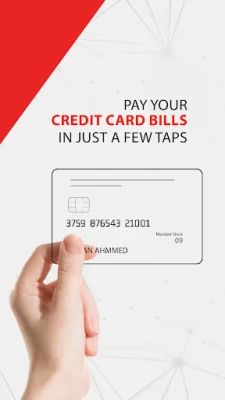
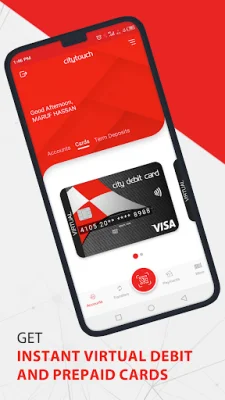
The "Manage Cards" feature allows you to transfer funds from your unused card limit, make credit card bill payments, and view your statement details. You can also activate, change the PIN, or block your credit card, as well as tag it for easier identification. This feature also provides a transaction history for your credit card.
For convenient bill and merchant payments, the app offers a variety of options such as mobile top-up, bKash wallet top-up, VISA instant transfers, and payments for utilities, internet, clubs, tuition fees, mobile bills, movie tickets, insurance premiums, and visa fees. You can also view your payment history for these transactions.
The app also offers the ability to make online transactions, such as booking domestic flights or purchasing items from various categories like books, jewelry, and electronics.
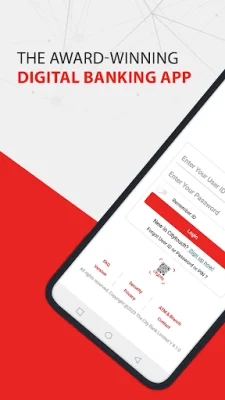
Some additional features of the app include pre-login options like registration for new users, retrieving forgotten user IDs or passwords, and accessing a list of ATMs and branches. You can also contact the call center for any feedback or suggestions. To use the app, all you need is an active City Bank account with a debit or credit card, and a smartphone with an Android operating system (version 4.1 or above) and internet connectivity through mobile data or Wi-Fi.
For more information about Citytouch, visit their website at https://www.thecitybank.com/citytouch. And if you have any further questions or concerns, you can always call their customer service hotline at 16234. Download the Citytouch app today and experience the convenience of managing your finances anytime, anywhere.
Rate the App














Popular Apps









