

Click SuperApp
by Click JSC (0 Reviews) November 21, 2025
Latest Version
November 21, 2025
Click JSC
Finance
Android
0
Free
air.com.ssdsoftwaresolutions.clickuz
Report a Problem
More About Click SuperApp
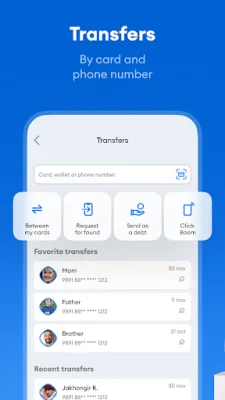
The Card-to-Card Transfers feature allows users to easily transfer funds from one plastic card to another. This can be done by entering the recipient's phone number or card number, or by transferring between the user's own cards.
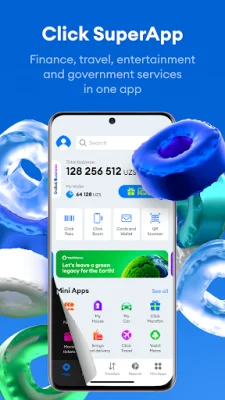
The Click Wallet is a virtual account that can be topped up and used to pay for goods and services, as well as transfer funds to other wallets. This eliminates the need to visit a bank or wait for a new account or card to be opened.
The Widgets feature provides quick access to various payment options, such as mobile communications, utilities, and transfers, through customizable widgets on the home screen.
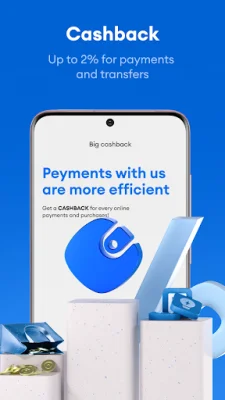
Click Premium is a subscription service that offers benefits such as double cashback on payments, 100% refund of transfer commissions, access to premium support, and the ability to change the home screen theme for a fixed monthly fee.
Click Boom allows for fast and convenient transfers to nearby contacts with just one click.
The Card History feature allows users to view the transaction history of their UzCard and Humo cards, including credits, payments, and cash withdrawals.
HumoPay enables users to pay directly with their mobile device using NFC technology at all terminals that accept Humo cards.
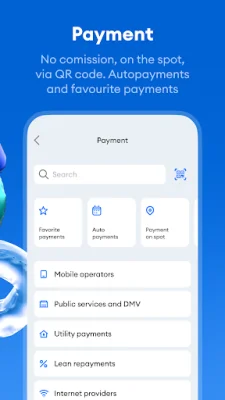
In-Person Payments can be made by scanning a QR code at retail locations in the user's city.
Scheduled Auto-Pay and Event-Based Auto-Pay features allow for automatic payments to suppliers on a specified day or when a certain balance is reached.
The Friend's Help feature allows users to request payment from friends if they run out of funds.
The app can be used in both offline and online modes, even with a negative balance on the user's phone.
Loan Repayment allows users to repay loans from various banks through the app.
Users can also pay for various services such as mobile communications, internet, utilities, transportation, and more through the app.
Click Pass allows for quick cashier payments by scanning a code and deducting the amount from a chosen plastic card.
The My Bills feature allows for easy payment of bills from suppliers or other Click users.
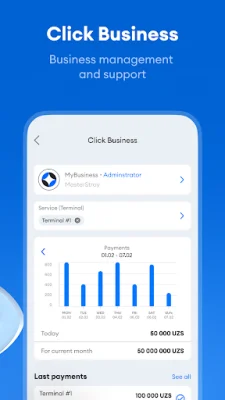
Users can view their payment history and receive reports in graphical form through the Reports feature.
Favorite Payments can be saved for quick and convenient recurring payments.
The Overall Balance feature allows users to check the balance of their registered plastic cards and more.
The Click SuperApp also offers various ways to contact them, including a website, Telegram channel, Facebook page, and contact center. They are constantly working to improve the app and welcome feedback and ideas from users.
Rate the App















Popular Apps









