

Click to Chat
2.21.13.100 by JD Corporation Apps (0 Reviews) August 09, 2024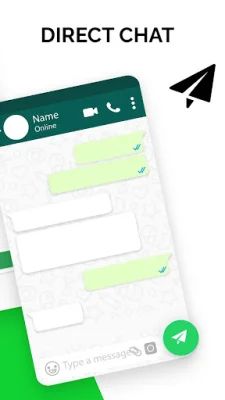
Latest Version
2.21.13.100
August 09, 2024
JD Corporation Apps
Communication
Android
0
Free
com.lite.messenger.clicktochat.whatsapp
Report a Problem
More About Click to Chat
WhatsApp's click to chat feature is a convenient way to start a conversation with someone on the app without having to save their phone number in your contacts. As long as you know the person's phone number and they have an active WhatsApp account, you can create a link that will allow you to chat with them.
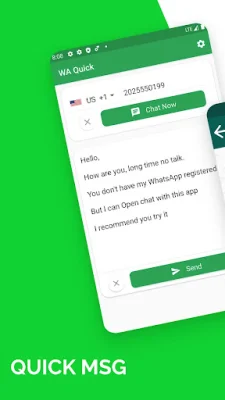
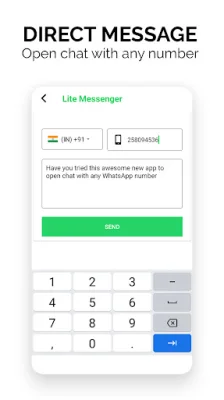
This feature is simple, easy, and fast to use. You just need to type in the person's phone number, select a message, and click to start a chat or call. This eliminates the need to save new contacts or unknown numbers in your phonebook.
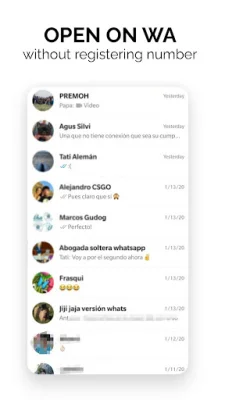
Click to chat also offers great features such as creating quick message collections for your clients, sending messages and media without saving the contact, and accessing all chat history in recent. It supports over 242 countries and has an auto-detect feature for country codes.
One of the main reasons to use click to chat is to keep your phonebook clean and avoid having ghost contacts. It also allows for secret direct messaging without having to save the contact. You can even message yourself to keep personal documents and messages private.
This app is especially useful for tired businessmen or sellers who don't want to save temporary contacts just to send their company or shop address or bank details. It also has an auto-paste feature that detects copied phone numbers, saving you time and effort.
Click to chat is a third-party app and is not affiliated with WhatsApp Inc. The app is completely free and has no message limits. The team behind the app values user privacy and welcomes any feedback or suggestions. If you have any questions or concerns, you can contact them via email.
Rate the App















Popular Apps









