

ClinicalKey Student Bookshelf
11.3.1 by Elsevier Inc (0 Reviews) April 10, 2026

Latest Version
11.3.1
April 10, 2026
Elsevier Inc
Education
Android
0
Free
com.elsevier.education.ckmed
Report a Problem
More About ClinicalKey Student Bookshelf
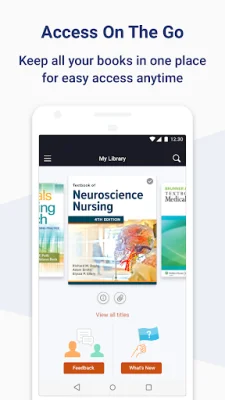
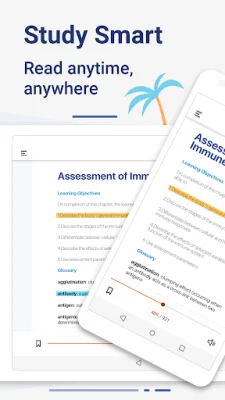
ClinicalKey Student is a mobile application that provides access to medical textbooks and resources for students. To use the app, you must have an Android device with version 5.0 or higher and a ClinicalKey Student account. The app is available in multiple languages, including English, Spanish, French, German, and Portuguese.
To access the app, you can download it for free from the app store and open it. On the welcome screen, you will need to sign in with your CK Student email and password. It is important to note that the first time you log in, you must be connected to your university's network.
If you have been given a Registration ID to create your account, you will need to redeem it through your web browser before signing into the app. This can be done by going to the ClinicalKey Student website and following the on-screen instructions. Once you have completed this step, you can use your login to sign into the Bookshelf app.
The app will automatically synchronize any books that you have added from CK Student. However, it is important to note that you must first add content through CK Student online before it will appear in the app.
If you need support or have any questions, you can visit the support page on the Elsevier website. Here, you can find FAQs and other helpful resources to assist you in using the app. We strive to provide a user-friendly and efficient experience for students using ClinicalKey Student.
Rate the App













![Kanji Memory Hint 3 [English]](https://appvaultus.s3.amazonaws.com/images/17757588693231276.webp)
Popular Apps









