

Commerzbank photoTAN
15.0.0 by Commerzbank A.G. (0 Reviews) November 12, 2025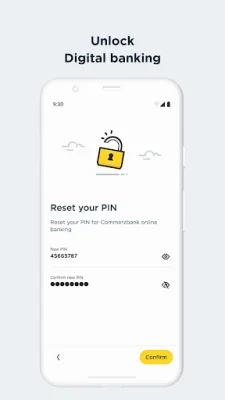


Latest Version
15.0.0
November 12, 2025
Commerzbank A.G.
Finance
Android
0
Free
com.commerzbank.photoTAN
Report a Problem
More About Commerzbank photoTAN
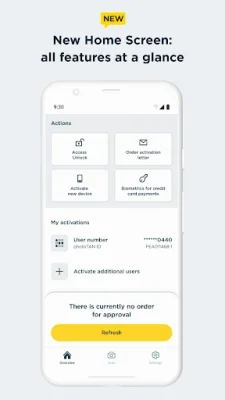
The new photoTAN app from Commerzbank is a secure and convenient way to approve orders and make transactions through online and mobile banking. It offers the highest level of security through a modern TAN procedure and is available for all Commerzbank customers. However, in order to use the app, it is necessary to grant certain permissions to your device. If these permissions are later removed, the app may no longer be able to function properly.
Before installing the app, your device will undergo a series of checks to ensure its security. This includes checking for any known attack vectors, such as rooted or jailbroken devices, as well as any malicious apps. These checks are necessary for the app to function properly and your consent is required for them to be performed.
If you do not wish to grant these permissions or undergo the security checks, you can choose not to install the photoTAN app. In this case, you can still access Commerzbank's online banking services through their website. Additionally, you can revoke your consent for the security checks at any time by uninstalling the app from your device.
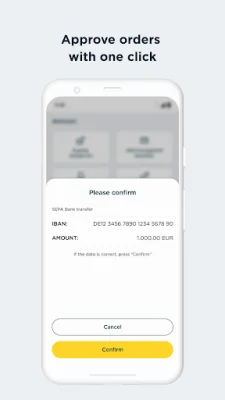
The photoTAN app offers two convenient features for approving orders: the push function and the scan function. With the push function, you will receive a notification on your smartphone when a new order is ready for approval. You can then open the app and approve the order with just one click. The scan function allows you to scan a colorful graphic displayed on your computer screen after placing an order. The app will then generate a TAN for you to use to confirm the order.
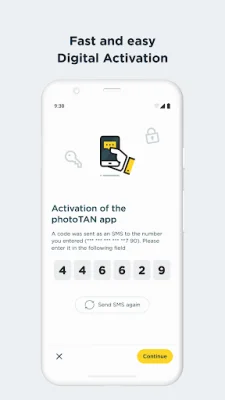
In addition to its security and convenience, the photoTAN app also offers other benefits such as the ability to fully legitimize yourself from home through the VideoIdent app. This means you no longer have to wait for an activation graphic and can easily activate the app within 3 hours of completing the legitimation process.
The photoTAN app is free to use and is available for both online and mobile banking. It also offers offline usability, so you can still approve orders even if your device is not connected to the internet. For more information on the app and its features, visit the Commerzbank website.
Rate the App















Popular Apps









