

기적의 분식집 Complete
2.1.0 by tales# (0 Reviews) November 17, 2025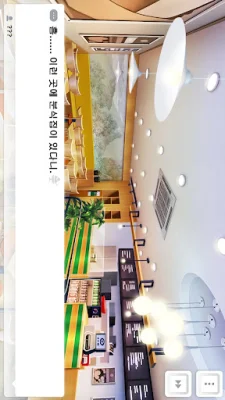


Latest Version
2.1.0
November 17, 2025
tales#
Games
Android
0
$11.99
air.joara.miracle
Report a Problem
More About 기적의 분식집 Complete
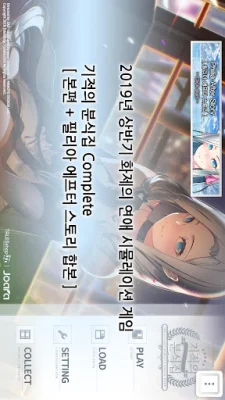
This application is about running a snack bar and striving for love and success! The main character is forced to open a snack bar due to various circumstances. On the day of the grand opening, a portal to another world suddenly appears in the snack bar. This portal leads to a story that begins with a girl who appears from it.
The goal of the game is to run the snack bar, make money, and go on dates. To achieve this, the player must improve their cooking skills, collect recipes, and increase the value of the store. They can also promote the store to make it more famous. The game also includes various events with the heroine, such as full voice dubbing and a novel book with 1 volume.
The game offers various endings and also includes a Philia after story as a Steam DLC. There are also related goods for sale on the website.
If the game does not run, there are a few steps to try. First, make sure there is at least 250MB of memory available. If that doesn't work, try deleting the p30 folder in the talesshop folder and then running the game again (be careful with data, wifi is required). If that still doesn't work, try uninstalling and reinstalling the app. For Samsung devices, go to Settings - Application Manager - Miracle Snack Shop - Permissions - Turn on Storage Permissions. For LG devices, go to Settings - Apps and Notifications - App Info - Miracle Snack Shop - Permissions - Turn on Storage Permissions.
The app requires access to storage and the internet for downloading additional media files from the Tales Shop server for the game to run smoothly.
Contact information for the developer is also provided.
Rate the App













Popular Apps









